
Přeložte soubory XLIFF bez poškození XML
Páry source-target zarovnány. Poznámky překladatele zachovány. XML struktura neporušená. Vaše XLIFF soubory správně přeložené pro formáty 1.2 i 2.0.
Překlad XLIFF je minové pole v XML
XLIFF je průmyslový standard pro výměnu překladů, ale jeho XML struktura je křehká. Obecné nástroje rozbijí XML, ztratí párování source-target, odstraní poznámky překladatele a nezvládnou rozdíly mezi XLIFF 1.2 a 2.0. Stačí jediný neplatný tag a import do CAT nástroje selže.
XML struktura se poškodí — neuzavřené tagy, rozbité entity a neplatné znaky, kvůli nimž validace selže
Segmenty source a target se rozjedou, takže není možné překlady v CAT nástrojích revidovat
Poznámky překladatele, kontextové nápovědy a prvky metadat se odstraní nebo přesunou, čímž se ztratí kritický kontext
XLIFF 1.2 a 2.0 používají různá schémata — nástroje, které zvládají jednu verzi, často rozbijí tu druhou
<?xml version="1.0" encoding="UTF-8"?>
<xliff version="1.2" xmlns="urn:oasis:names:tc:xliff:document:1.2">
  <file source-language="en" target-language="de" datatype="plaintext"
        original="messages">
    <header>
      <note>Application UI strings</note>
    </header>
    <body>
      <trans-unit id="welcome.title" approved="yes">
        <source>Welcome to our platform</source>
        <target>Willkommen auf unserer Plattform</target>
        <note from="developer">Shown on the landing page</note>
      </trans-unit>
      <trans-unit id="nav.dashboard">
        <source>Dashboard</source>
        <target state="needs-review">Dashboard</target>
      </trans-unit>
      <trans-unit id="user.greeting">
        <source>Hello, %1$s!</source>
        <target>Hallo, %1$s!</target>
        <note from="developer">%1$s = user's first name</note>
      </trans-unit>
      <trans-unit id="items.count">
        <source>You have %d items</source>
        <target>Sie haben %d Artikel</target>
      </trans-unit>
    </body>
  </file>
</xliff><?xml version="1.0" encoding="UTF-8"?>
<xliff version="1.2" xmlns="urn:oasis:names:tc:xliff:document:1.2">
<file source-language="en" target-language="de" datatype="plaintext"
original="messages">
<header>
<note>Application UI strings</note>
</header>
<body>
<trans-unit id="welcome.title" approved="yes">
<source>Welcome to our platform</source>
<target state="translated">Willkommen auf unserer Plattform</target>
<note from="developer">Shown on the landing page</note>
</trans-unit>
<trans-unit id="nav.dashboard">
<source>Dashboard</source>
<target state="translated">Dashboard</target>
</trans-unit>
<trans-unit id="user.greeting">
<source>Hello, %1$s!</source>
<target state="translated">Hallo, %1$s!</target>
<note from="developer">%1$s = user's first name</note>
</trans-unit>
<trans-unit id="items.count">
<source>You have %d items</source>
<target state="translated">Sie haben %d Artikel</target>
</trans-unit>
</body>
</file>
</xliff>Co i18n Agent zachovává
Struktura XML
Platný XML výstup se správnými namespaces, entitami a kódováním — projde validací schématu XLIFF
Párování source-target
Segmenty source a target zůstávají správně spárované. Překladové jednotky si zachovají svá ID i pořadí.
Poznámky a metadata
Poznámky překladatele, elementy context-group a vlastní prvky metadat jsou zachovány na původních místech
Podpora verzí
Schémata XLIFF 1.2 (trans-unit) i XLIFF 2.0 (unit/segment) jsou rozpoznána a zpracována správně
Funguje s Vaším lokalizačním stackem
Jak to funguje
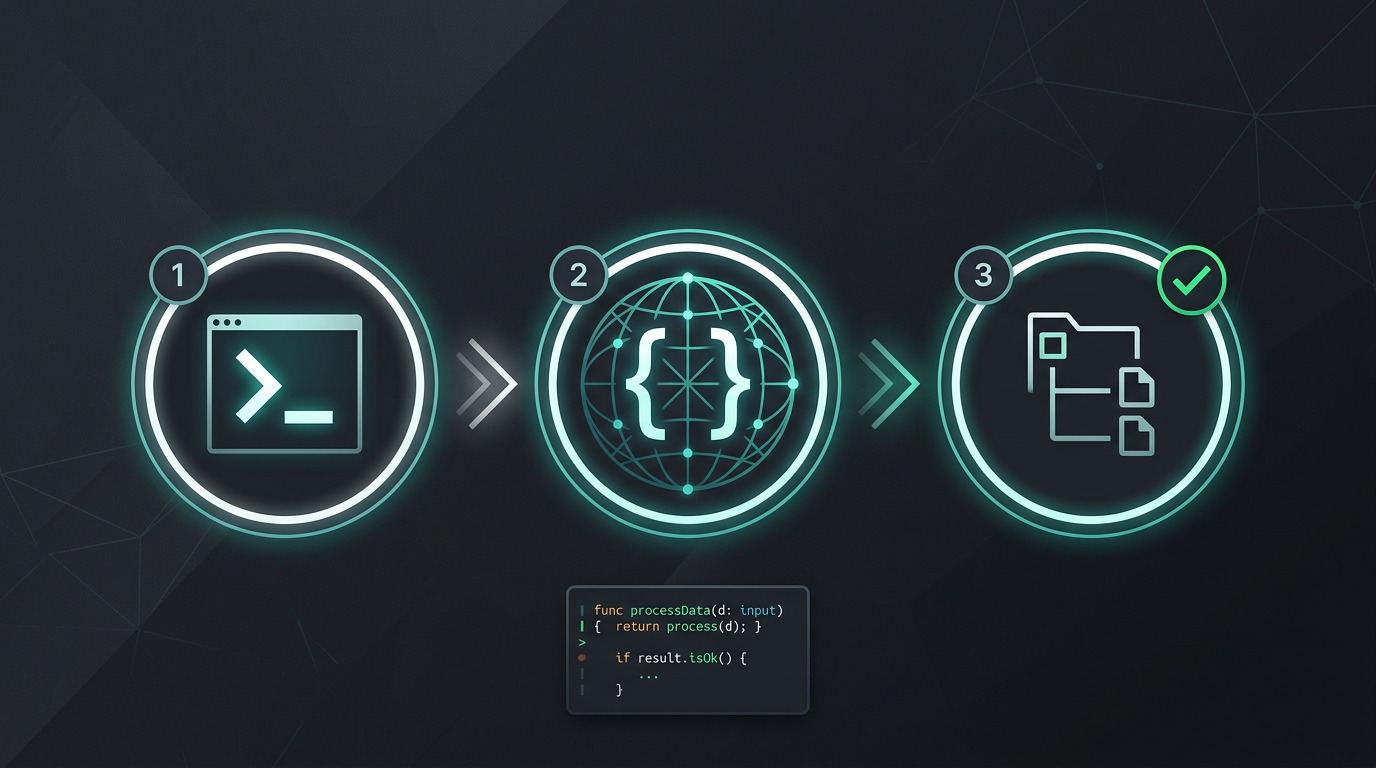
Žádné ruční kopírování a vkládání. Žádná extrakce řetězců. Jen přeložené soubory.
Vyzkoušejte i18n Agent nyní
Sem přetáhněte svůj překladový soubor
JSON, YAML, PO, XML, CSV, Markdown, Properties
nebo klikněte a vyberte soubor
Cílové jazyky
Nejčastější dotazy
Enterprise tým?
Stále jste uvázaní ve smlouvě s TMS? Pojďme probrat migraci.