 iOS Integration
Streamline Your iOS Localization
Native .strings sync and iOS app workflows
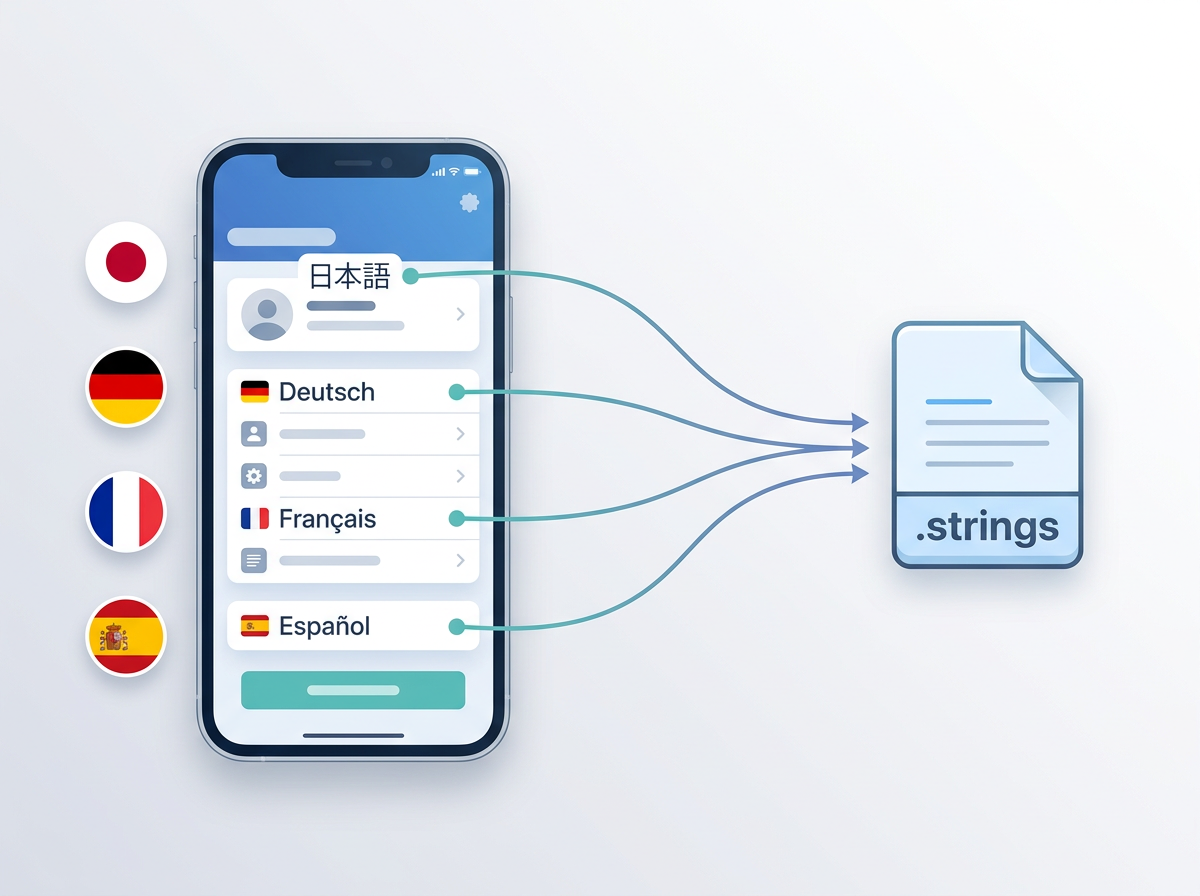
Localizable.stringsBase.lproj"welcome_title" = "Welcome";
"login_button" = "Sign In";
"settings_label" = "Settings";
// Auto-synced to 12 locales
// ja.lproj, de.lproj, fr.lproj...
iOS Localization Challenges
Native frameworks require rethinking your localization workflow
Managing Localizable.strings Complexity
Multiple targets, .lproj directories, syntax errors
Keeping Code and Metadata in Sync
Code strings and App Store metadata drift apart
SwiftUI String Catalog Integration
New format support and modern localization patterns
No Workflow Integration
Translation process outside your native development tools
Native iOS Localization
Localization that integrates seamlessly with Xcode, SwiftUI, and your native development workflow.
Source Strings
Detect & Extract
Translate
Sync Back
iOS-Specific Features
Built for modern iOS development with SwiftUI, frameworks, and App Store metadata
Localizable.strings Support
Direct sync with iOS .strings files
SwiftUI Localization
Native String catalog integration
Multi-Target Support
Sync across app, extension, and framework targets
Native Framework Support
Works with UIKit, SwiftUI, and hybrid apps
App Store Metadata Sync
Combined code + App Store localization
iOS Developer Scenarios
Real-world iOS development setups where localization matters
SwiftUI App with String Catalogs
Keep your native SwiftUI strings translated automatically
Multi-Target iOS App
Sync translations across app targets, extensions, and frameworks
Team with Code + App Store Localization
Manage both native strings and App Store metadata together
Manual vs. Integrated
How native iOS integration transforms your workflow
| Feature | Manual Management | With iOS Integration |
|---|---|---|
| File Format Support | Manual .strings handling | Localizable.strings + String Catalogs |
| Multi-Target Sync | Manual per target | Automatic across all targets |
| SwiftUI Support | Limited tooling | Native String Catalog integration |
| App Store Metadata | Separate process | Combined code + metadata |
| Team Workflow | Scattered tools | Native Apple development tools |
Frequently Asked Questions
Everything you need to know about iOS localization
"welcome" = "Welcome";
"login" = "Sign In";
"settings" = "Settings";
☰ Menu Bar → i18n Agent → Pull
✓ Synced to ja.lproj, de.lproj, fr.lproj
Translate directly from Xcode
A lightweight macOS menu bar app that sits next to Xcode. Right-click isn't even needed: it auto-detects your active project and translates your .strings, .xcstrings, and .stringsdict files with one click.
Ready to streamline your iOS localization?
iOS developers worldwide are shipping faster with automatic localization.