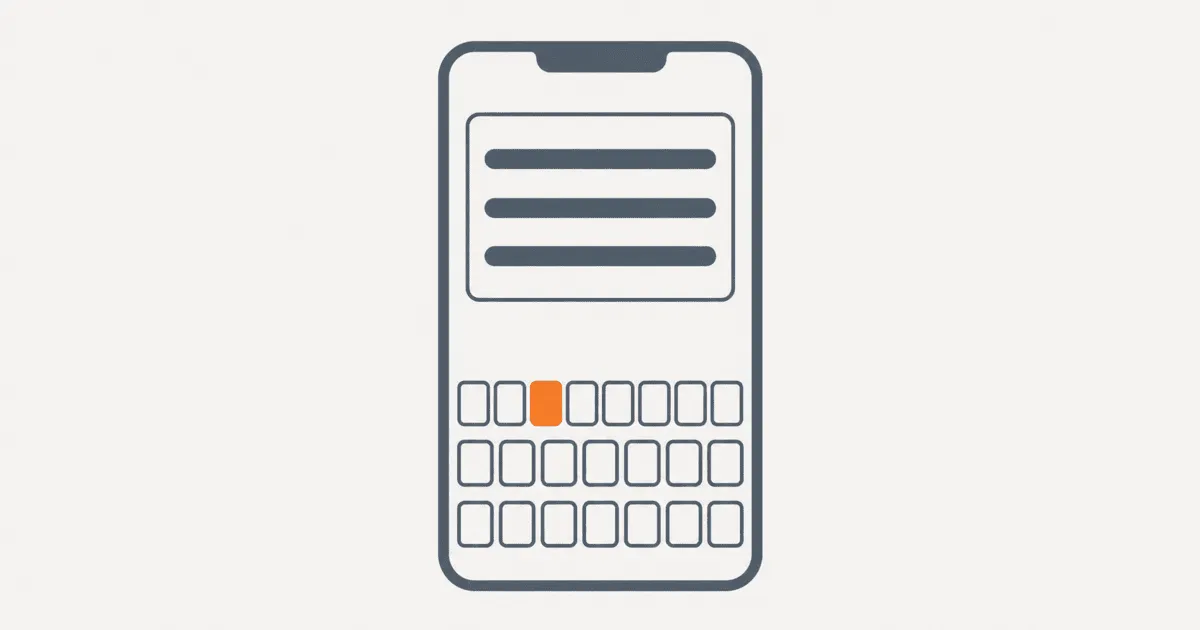
An app keyboard language can drift from both the interface language and the text being edited. A Japanese catalog record may open while the English keyboard is active, so suggestions and autocorrection become noise. The tempting fix is to force the keyboard to Japanese. That approach fails because the input method belongs to the user, language packs may be missing, and one field may legitimately contain several languages.
Use a narrower contract. Resolve the likely language of the field, send a hint where the platform supports one, observe the active input mode where useful, and always preserve manual choice. This guide provides that contract for Android and iOS, including fallback and verification.
Separate the three language states
Do not model keyboard language as a copy of appLocale. Keep three values distinct:
- Interface locale: the language used for labels, navigation, validation messages, and other app copy.
- Content locale: the language expected for the value being edited. This may come from the record, conversation, selected translation, or an explicit field setting.
- Input mode: the keyboard or hardware input source currently selected by the user.
These values often match, but none implies the other. A French interface may edit an English product description. A bilingual conversation may alternate between Arabic and English. An email field should not request a French keyboard merely because its label is French.
Android makes this distinction explicit. EditorInfo.hintLocales is a list of languages that the user is expected to switch to for the current editor. The documentation warns against filling it from text rendering locale alone. It recommends strong signals such as the known language of a conversation. The active input method may use or ignore the hint.
On iOS, UITextInputMode.primaryLanguage exposes the current input mode language as a read only BCP 47 tag. It lets an app observe context, but it does not grant ownership of the keyboard selection.
That platform split produces the main decision rule: Android can receive a justified preference hint, while iOS code should normally observe and adapt. Neither path should pretend the app has guaranteed a keyboard layout.
Resolve field intent before sending a hint
A useful hint must come from the field's job. Rank candidate languages by evidence, not convenience:
- An explicit language selected for this field or translation variant.
- A language stored on the record being edited.
- A recent language used in the same conversation or content stream.
- The app's effective interface locale, but only when the field is expected to follow it.
- No hint when the evidence is ambiguous.
Consider a merchant editing localized catalog content. The screen interface is English, the selected variant is ja-JP, and the product title has Japanese text. The content locale is a strong signal, so ja-JP is a reasonable first hint. A notes field on the same screen may contain internal English comments and should use no catalog language hint.
A chat composer needs a different policy. The last message language can help, but it is not authority. The user may quote another language or answer bilingually. Keep the language list short, update it only from stable conversation context, and let the keyboard's manual selector win.
Use BCP 47 tags throughout the decision. Do not reduce zh-Hant to zh if script affects the expected input. Do not infer a content language from country alone. Store the evidence source with the resolved value so debugging can answer why a hint was sent.
resolveInputLanguage(field, record, session):
  if field.explicitLanguage exists:
    return { tags: [field.explicitLanguage], source: "explicit" }

  if record.contentLanguage exists:
    return { tags: [record.contentLanguage], source: "record" }

  if field.allowsConversationHint and session.recentStableLanguages exist:
    return { tags: session.recentStableLanguages.take(2), source: "conversation" }

  if field.followsInterfaceLocale:
    return { tags: [session.effectiveAppLocale], source: "interface" }

  return { tags: [], source: "none" }
An empty result prevents weak guesses from becoming persistent keyboard friction.
Apply Android IME hints without claiming control
Android TextView exposes setImeHintLocales. When the view gains focus, Android reports that list to the active input method through EditorInfo.hintLocales. The API is a hint channel, not a command.
A practical implementation should resolve the content language before focus, apply the hint to the specific editor, and clear stale values when the field changes:
fun TextView.applyInputLanguageHint(tags: List<String>) {
    val locales = tags
        .mapNotNull { tag ->
            Locale.forLanguageTag(tag).takeUnless { it.language.isBlank() }
        }
        .distinctBy { it.toLanguageTag() }

    imeHintLocales = if (locales.isEmpty()) {
        null
    } else {
        LocaleList(*locales.toTypedArray())
    }
}
Call this with the content locale for an explicitly localized editor, not with every locale supported by the app. A list of twenty languages gives the input method no useful priority. It also hides a product decision that the app should have made before opening the field.
Compose applications may need to bridge through the underlying editor capabilities available in their current UI stack. Keep the resolver platform neutral and the Android adapter small. If a component does not expose the hint API, preserve the same fallback behavior rather than reaching for undocumented input method controls.
A recent practitioner question describes an app that wants to switch the Android keyboard automatically for records written in Japanese, German, or English. Treat that as problem evidence, not a platform guarantee. The safe implementation sends context and accepts that the user's chosen IME decides what to do with it.
Do not restart focus repeatedly in an attempt to make a hint take effect. That can move selection, dismiss composition, or interrupt accessibility input. Apply the hint before normal focus whenever possible. If content language changes while the user is typing, wait until the next deliberate field transition unless the user explicitly requested the switch.
Observe iOS input modes without overriding choice
On iOS, the current input mode can tell you whether an expected language is active. The primaryLanguage property returns a BCP 47 language code when available, but it is read only. Use it for diagnostics, optional guidance, or language sensitive features that can safely degrade.
For example, a transliteration helper might appear when the content language is Japanese and the active keyboard is English. It should disappear when the user selects a Japanese keyboard. The app can compare language and script, but it should not block text entry because the values differ.
func activeInputLanguage(for textView: UITextView) -> String? {
    textView.textInputMode?.primaryLanguage
}

func shouldOfferInputHelp(
    expectedTag: String?,
    activeTag: String?
) -> Bool {
    guard let expectedTag, let activeTag else { return false }
    let expected = Locale.Language(identifier: expectedTag)
    let active = Locale.Language(identifier: activeTag)
    return expected.languageCode != active.languageCode
}
The comparison above is an application recommendation, not an Apple guarantee. Real policy may need script comparison, regional variants, or a multilingual keyboard exception. Keep it advisory.
A longstanding practitioner report asks how to handle a German hybrid app whose keyboard remains English. The report shows why document or interface language alone is not enough. The user may not have installed the desired keyboard, and a web or hybrid layer cannot assume it controls system input.
If the active language is unavailable, do not show an error on every focus event. Offer one dismissible explanation near the task that benefits from the keyboard, then allow entry. Some users prefer a hardware keyboard, dictation, transliteration, or an input method that reports no useful language tag.
Preserve user choice and composition
The app should stop influencing input as soon as the user makes an explicit choice. Record the distinction between a suggested language and a user override for the current editing scope.
A simple state model is enough:
| State | App behavior | Exit condition |
|---|---|---|
| No evidence | Send no hint | Explicit content language appears |
| Suggested | Send one or two ranked hints | User changes input mode or field context |
| User override | Stop changing hints during the editing session | User leaves the record or resets preference |
| Missing capability | Explain the limitation once and allow typing | Capability becomes available or task ends |
Do not rewrite committed text when the input mode changes. Do not discard marked text during composition. East Asian input methods often maintain an intermediate composition range before committing characters. Validation that fires against every intermediate value can reject valid input before the user finishes conversion.
Run script or language validation after composition commits, and only when the product requirement truly limits the accepted script. A person's name, address, message, or search query often needs mixed script input. Validation should protect a constrained identifier, not enforce a linguistic assumption on general text.
Autocorrection and suggestions are also owned by the keyboard. Avoid promising that a hint will configure them consistently across input methods. Test at least one system keyboard and one common third party keyboard if that difference matters to the workflow.
Handle failure paths deliberately
A correct design still works when the desired keyboard is absent or ignores the hint.
The language pack is missing. Keep the field editable. Offer installation guidance only if the task cannot be completed otherwise, and avoid deep links that depend on undocumented settings paths.
The IME ignores Android hints. Log the resolved tag and hint source in development builds, then accept normal typing. Do not loop, refocus, or replace the user's input method.
The active iOS language is unknown. Treat nil as unknown, not as English. Hide advisory features that require a reliable match and keep core input available.
The field contains mixed languages. Send no hint or rank only a stable user preference. Never run automatic language detection on every keystroke and flip keyboard guidance while composition is active.
The app locale changes during editing. Recompute only fields whose contract follows the interface locale. A record with an explicit content locale should not change. Preserve selection and composing text.
A hardware keyboard is connected. Do not assume software keyboard state represents physical layout. Verify that shortcuts, focus, and validation work without an on screen keyboard.
Verify behavior across real input paths
Test the contract with a matrix, not one simulator configuration:
- Interface locale and content locale match.
- Interface locale and content locale differ.
- Desired keyboard is installed but inactive.
- Desired keyboard is not installed.
- User changes keyboard after focus.
- Text contains two scripts.
- Input includes an active composition range.
- App language changes while the editor is open.
- A hardware keyboard is connected.
- Android uses both a system IME and a third party IME.
- iOS returns a specific tag, a broad language tag, and no tag.
For Android, inspect the EditorInfo delivered to a test input method or use instrumented diagnostics to confirm the intended hints reached the editor. Do not define success as the keyboard visibly switching, because the API does not promise that result. Success means the app sent justified context and remained usable when the IME declined it.
For iOS, verify that advisory UI follows input mode changes without blocking entry or losing text. Confirm that no code path claims to set primaryLanguage. Test the actual devices and keyboards supported by the product, since simulator behavior is not enough for release confidence.
Start by classifying every editable field as interface bound, content bound, conversation informed, or language neutral. Add Android hints only to fields with strong evidence. Keep iOS handling observational. Then run the matrix above and reject any implementation that steals focus, loses composition, blocks unknown input modes, or treats a hint as control.
For the related problem of choosing the app language itself, see how to choose an app language on first launch without guessing.
References
- Android
EditorInfo.hintLocalessupports the field level hint contract and its explicit context warning. - Android
TextView.setImeHintLocalessupports delivery of locale hints from a focused text field to an IME. - Apple
UITextInputMode.primaryLanguagesupports read only observation of the active input mode language. - Stack Overflow multilingual Android editing question supplies practitioner evidence for record specific keyboard language requests.
- Stack Overflow hybrid app keyboard question supplies practitioner evidence for interface and keyboard language drift.