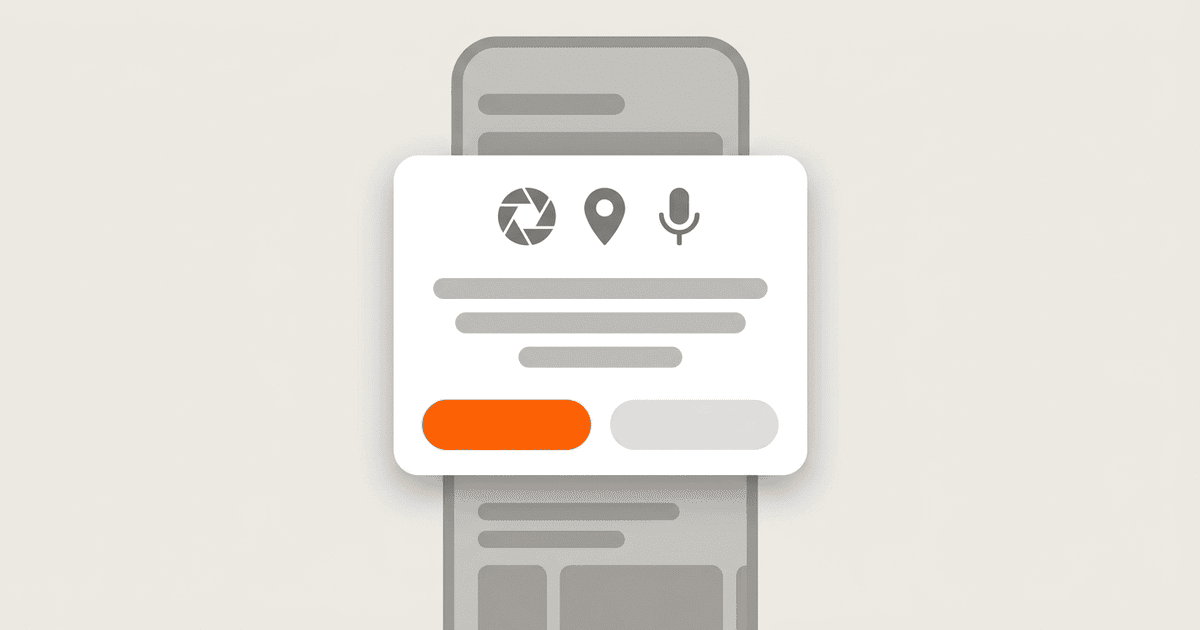
App permission prompt localization can fail while every visible screen looks finished. The camera request appears in English, an Android rationale still names an old feature, or a user who denied access gets no useful recovery instructions. The defect surfaces when someone must decide whether to share a camera, microphone, location, photos, or contacts with the app.
Treat permission copy as a stateful product flow, not as an extra row in a translation spreadsheet. Give it an owner, put each string in the resource that its platform actually reads, and test every locale from a clean permission state. The workflow below covers the inventory, iOS and Android implementation, denial handling, release checks, and the evidence needed to block incomplete locales.
Why permission copy escapes the normal workflow
A permission flow can contain app copy before the request, a system dialog, and recovery instructions after denial. Those parts often live in different files and belong to different owners.
On iOS, a privacy purpose string such as NSCameraUsageDescription is an information property list value. It is not an ordinary label on the screen where the camera is used. Apple defines the key as the message that explains why the app needs camera access in its NSCameraUsageDescription reference. A localization process that scans only a string catalog or visible interface will miss it.
Android sets a different boundary. The app controls when to ask and can show its own explanation, but the operating system owns the permission dialog. Google's runtime permission guidance describes contextual requests and the conditions for educational UI. Copying the iOS implementation model to Android causes teams to translate a surface they do not control while overlooking the rationale they do control.
The workflow must account for each owner, resource, and runtime state. Otherwise a complete translation count can hide an incomplete permission flow.
Define the copy contract before translating
Build one inventory record for every capability the app can request. A record should name the platform resource, the feature that triggers it, the user benefit, what happens after denial, and who approves the wording.
| Field | Example |
|---|---|
| Capability | Camera |
| Trigger | User taps Scan receipt |
| iOS purpose key | NSCameraUsageDescription |
| Android permission | android.permission.CAMERA |
| Pre-request message ID | permission.camera.rationale |
| Denied message ID | permission.camera.denied |
| Settings message ID | permission.camera.settings |
| Product owner | Expenses team |
| Review owner | Mobile localization reviewer |
Without that context, a translator receives vague copy such as "We need access" and cannot tell what the app will do. Engineers may also reuse the same explanation for capabilities with different consequences. This is the general problem of giving translators enough context for ambiguous UI strings, and permission copy is where it costs the most, because the reader is deciding whether to hand over a camera or a location.
Use these rules to place the text:
- Store app-provided text in the platform resource used by the prompt.
- Keep app-owned explanations in the normal message system under stable IDs.
- Do not claim that the app can customize wording owned by the operating system.
- Write separate recovery copy when denial changes the available feature.
For every string, include the feature name, request trigger, intended data use, and the behavior that follows denial. Short copy still needs precise context.
Implement iOS purpose string localization
Declare each protected resource used by the app or by an embedded component. For a receipt camera, the base configuration contains the purpose key and its source text:
<key>NSCameraUsageDescription</key>
<string>Scan receipts and attach photos to expense reports.</string>
The sentence should describe the feature that exists. Avoid a broad privacy promise that the implementation cannot support.
Put localized property list values in the host application's locale resources. For example:
en.lproj/InfoPlist.strings
fr.lproj/InfoPlist.strings
ja.lproj/InfoPlist.strings
Each file maps the same platform key to a translated value:
/* fr.lproj/InfoPlist.strings */
"NSCameraUsageDescription" = "Numérisez des reçus et joignez des photos aux notes de frais.";
Keep the key identical in every locale. Translate the value and its reviewer notes, add each file to the application target, and check target membership in the built app rather than trusting the source tree.
A developer report about placing InfoPlist.strings inside framework resources describes an app that did not use a framework's localized camera value. This is a practitioner report rather than an Apple guarantee, but it exposes a useful ownership rule: a library can declare which purpose key it requires, while the host app supplies and translates the explanation shown to its users.
Have each dependency that touches protected data publish a manifest of required purpose keys. A build check can compare that manifest with the base property list and every supported InfoPlist.strings file. Missing or empty values should fail the check.
Implement Android permission rationale localization
Android code should keep feature education separate from the system request. The Android permission request guide shows an app checking permission state, deciding whether to explain the request, and then launching it. Since the app owns the rationale, store it in locale-specific application resources.
Define the source messages in the default resource set:
<!-- res/values/strings.xml -->
<string name="permission_camera_rationale">Allow camera access to scan a receipt.</string>
<string name="permission_camera_denied">You can add receipt details without a photo.</string>
<string name="permission_camera_settings">To scan receipts, allow camera access in Settings.</string>
Use the same keys in each supported locale directory:
<!-- res/values-fr/strings.xml -->
<string name="permission_camera_rationale">Autorisez l'accès à l'appareil photo pour numériser un reçu.</string>
<string name="permission_camera_denied">Vous pouvez ajouter les détails du reçu sans photo.</string>
<string name="permission_camera_settings">Pour numériser des reçus, autorisez l'accès à l'appareil photo dans les réglages.</string>
Android's app localization documentation explains locale resource selection and the need for complete default resources. Keep a usable default for every permission message, then check key parity for every locale scheduled to launch.
Permission-result code should return states, not hardcoded instructions. The presentation layer can map those states to message IDs. Translators can then update wording without touching permission logic, and QA can assert the expected message for each state.
Use one state model across both platforms
The files and APIs differ, but product teams can use the same conceptual state model:
not_requested
  -> explain_if_needed
  -> request
  -> granted | denied

denied
  -> use_without_feature | retry_if_allowed | open_settings

granted
  -> continue_feature
Attach copy to transitions rather than to a screen alone. Before the request, explain the feature benefit. After denial, state what still works. Mention system settings only when that recovery route is available and appropriate.
A platform adapter can return a small set of product states:
requestCapability(camera, locale) ->
  GRANTED
  DENIED_CAN_REQUEST_AGAIN
  DENIED_OPEN_SETTINGS
  RESTRICTED
This adapter is an implementation recommendation, not a platform requirement. It prevents product UI from depending directly on two different permission APIs and gives product, localization, and QA teams a shared vocabulary.
Do not loop on a denied request. Record the state, explain the consequence once, and let the user continue without the feature when possible. Another request should follow a new user action and only occur when the platform permits it.
Add permission copy to the localization workflow
Make permission resources part of normal source extraction and review:
- Discover protected-resource keys and app-owned permission message IDs.
- Join each item to the permission inventory with its feature, trigger, and data-use note.
- Send new or changed source text through translation and linguistic review.
- Check required keys, placeholders, encoding, and locale coverage before merge.
- Inspect the packaged application resources after building.
- Run grant, denial, and settings recovery tests for each release locale.
- Save the result in the locale release gate.
A source change can alter the meaning even when the key stays the same. If a camera feature changes from receipt scanning to identity verification, mark every translation stale and review it again.
Privacy copy also needs product review. A fluent translation can still describe the wrong feature or data use. The product owner confirms the behavior; the language reviewer confirms that the target text communicates it accurately.
Test the complete locale and permission matrix
Permission state persists, so a screenshot from a device that already granted access proves little. Reset state and cover the full flow for each launch locale.
| Case | Expected result |
|---|---|
| Clean install, supported locale | Localized explanation appears before first request when used |
| First grant | Feature continues without showing denial copy |
| First denial | App remains usable and shows localized consequence |
| Retry allowed | App explains why and requests only after another user action |
| Settings recovery | Localized instruction opens the correct settings destination |
| Unsupported locale | Complete default resources appear, never raw keys or blank text |
| Locale changed after denial | App-owned recovery UI uses the current locale |
| Dependency adds protected access | Build check detects a newly required purpose key |
On iOS, inspect the installed app's localized property list resources and trigger the request after resetting privacy state. On Android, test the app rationale separately from the system dialog because they have different owners. Device versions may change system text. The release check should focus on whether app-owned copy is accurate, present, and shown in the correct state.
Static checks catch missing keys and packaged values. Device tests catch target membership, resource selection, persisted permission state, and settings recovery.
Diagnose failures at the correct boundary
A missing locale value must not become a blank message. Keep complete default resources for user-safe fallback, log the locale and key, and fail the release gate so the fallback does not hide unfinished work.
When a localized iOS purpose string is packaged but not displayed, check these boundaries in order:
- The requested capability matches the configured purpose key.
- The localized file belongs to the host application target.
- The locale directory is present in the built product.
- The test device uses the intended app language.
- The permission state was reset before the test.
- No dependency or build step replaced the host configuration.
If Android displays a rationale at the wrong time, inspect the state transition before changing the translation. A well-translated explanation shown after access was granted is a logic defect.
This process adds work to each permission: source review, translation, packaging checks, and stateful testing. Keep it bounded to capabilities the app requests and locales included in the release.
Turn the workflow into a release gate
Ordinary screen strings reaching 100 percent does not prove that a locale is ready. Permission readiness needs these pass conditions:
- Every protected capability has an owner and a documented user benefit.
- Every required iOS purpose key has a localized value in the host app.
- Android rationale and recovery IDs exist in default and launch-locale resources.
- Reviewers confirmed that each explanation matches the current data use.
- Grant, denial, retry, and settings flows passed from a clean permission state.
- No source-language fallback, raw key, or blank message appeared.
Record this checklist beside the release status for UI and store assets. A separate permission spreadsheet will not protect the launch if the release owner never sees it.
For the next release, choose one protected capability and trace it through two non-source locales. Check its purpose string, rationale, denial message, and settings recovery in the built app. Fix the first ownership or resource gap you find before auditing the remaining permissions.
References
- Apple NSCameraUsageDescription reference defines the iOS camera purpose key and its user-facing role.
- Android runtime permission guidance supports contextual requests, rationale UI, and permission-state handling.
- Android app localization documentation supports default and locale-specific application resources.
- Stack Overflow framework InfoPlist.strings question records a practitioner's report about localized purpose strings placed in a framework.