
Traduzca archivos JSON en segundos
Claves intactas. Anidamiento conservado. Variables de interpolación sin cambios. Solo se traduce el contenido donde antes estaban sus cadenas.
La traducción manual de JSON está llena de peligros
Ya conoce el proceso: exportar el archivo de configuración regional JSON, abrirlo en una hoja de cálculo o herramienta de traducción, evitar cuidadosamente romper las claves anidadas, confiar en que nadie toque las variables, volver a importarlo, reparar la estructura dañada y repetirlo para cada idioma.
Las herramientas de traducción genéricas aplanan o estropean las claves anidadas
Las herramientas genéricas traducen o dañan las variables de interpolación
Las reglas de plural de ICU se rompen silenciosamente cuando las herramientas no comprenden la sintaxis de MessageFormat
Los índices de los arreglos se desplazan, cambia el orden de las claves y desaparece el formato
{
  "welcome": "Welcome, {name}!",
  "items": {
    "count": "{count, plural, one {# item} other {# items}}",
    "empty": "Your cart is empty"
  },
  "nav": {
    "home": "Home",
    "settings": "Settings"
  }
}{
"welcome": "Willkommen, {name}!",
"items": {
"count": "{count, plural, one {# Artikel} other {# Artikel}}",
"empty": "Ihr Warenkorb ist leer"
},
"nav": {
"home": "Startseite",
"settings": "Einstellungen"
}
}Lo que conserva i18n Agent
Estructura de las claves
Las claves anidadas, la notación con puntos y los índices de los arreglos permanecen exactamente en su sitio
Variables de interpolación
Las variables como name, count y los marcadores de posición de price se reconocen y permanecen intactos en los principales frameworks de i18n
Reglas de plural de ICU
Las categorías de plural se traducen correctamente mientras la estructura de ICU MessageFormat permanece intacta
Formato y espacios en blanco
La sangría, el orden de las claves y el formato JSON coinciden con el archivo de origen
Funciona con su framework de i18n
Cómo funciona
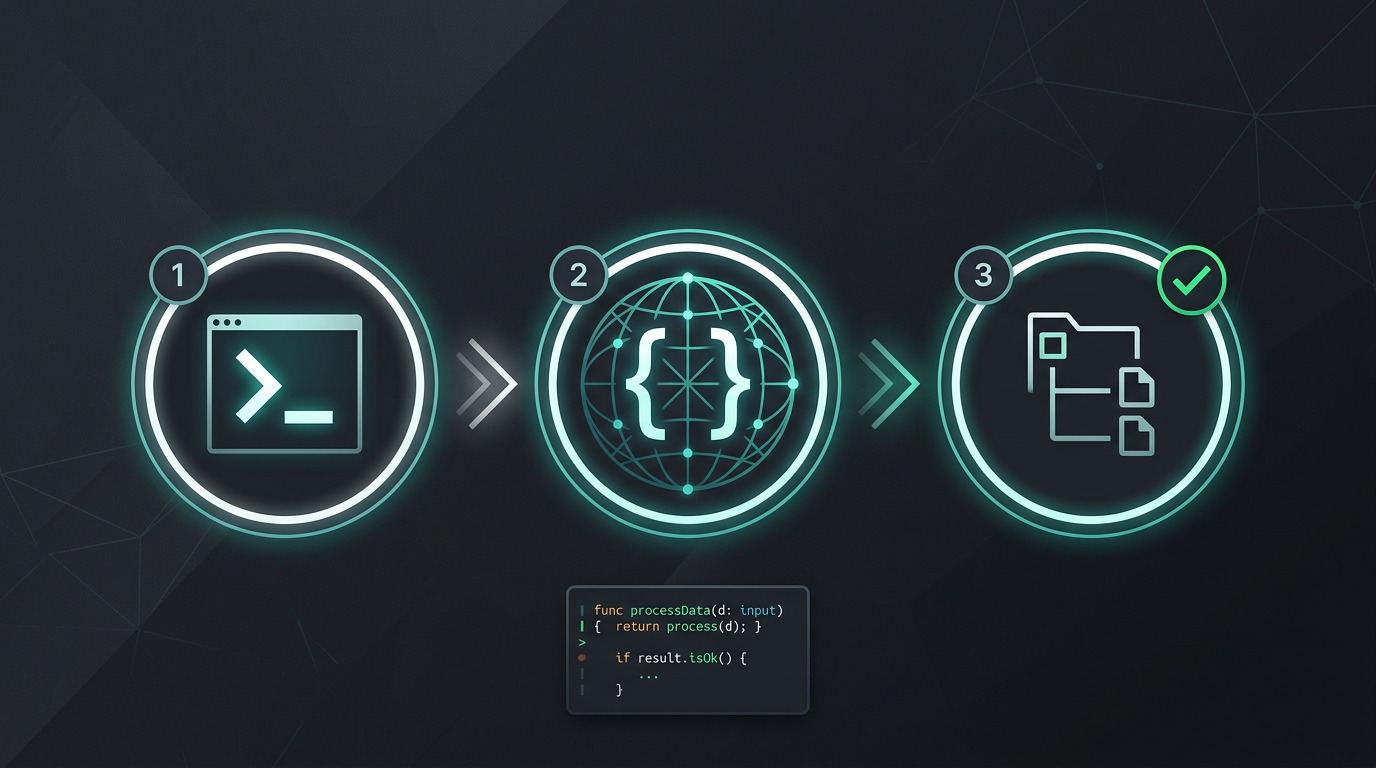
Sin copiar y pegar manualmente. Sin extraer cadenas. Solo archivos traducidos.
Pruebe i18n Agent ahora
Arrastre y suelte aquí su archivo de traducción
JSON, YAML, PO, XML, CSV, Markdown, Properties
o haga clic para seleccionar
Idiomas de destino
Preguntas frecuentes
También puede traducir:
¿Desarrolla software?
Instale la herramienta CLI y traduzca su primer archivo en 2 minutos.
Instalar la herramienta de CLI¿Forma parte de un equipo empresarial?
¿Sigue atrapado en un contrato de TMS? Hablemos de la migración.