
Traduzir documentação Markdown sem perder a formatação
Títulos, ligações, blocos de código e frontmatter intactos. A sua documentação traduzida e a formatação preservada.
A tradução de documentação destrói a formatação
A formatação Markdown é fácil de escrever, mas frágil ao traduzir. Um espaço adicional quebra um título. Uma etiqueta de ligação traduzida danifica o URL. Os blocos de código são localizados quando não deviam. O frontmatter YAML fica corrompido. O resultado é documentação danificada que exige horas de limpeza manual.
Os títulos, o negrito, o itálico e os marcadores de listas quebram quando os tradutores adicionam ou removem caracteres
As etiquetas das ligações são traduzidas, mas os URL ficam corrompidos ou danificados durante o processo
O código em linha e os blocos de código são traduzidos quando deviam permanecer em inglês
O frontmatter YAML —title, description e slug— fica corrompido ou parcialmente traduzido
---
title: Getting Started
description: Learn how to set up your project
---

# Getting Started

Welcome to **MyApp**! Follow these steps:

1. Install the package:

```bash
npm install myapp
```

2. Configure your `config.yml` file
3. Run `myapp init` to initialize

> Need help? Check our [FAQ](/faq) or
> [open an issue](https://github.com/myapp).---
title: はじめに
description: プロジェクトのセットアップ方法
---
# はじめに
**MyApp**へようこそ!以下の手順に従ってください:
1. パッケージをインストール:
```bash
npm install myapp
```
2. `config.yml`ファイルを設定
3. `myapp init`を実行して初期化
> ヘルプが必要ですか?[FAQ](/faq)または
> [Issueを作成](https://github.com/myapp)してください。O que o i18n Agent preserva
Formatação Markdown
Os títulos, o negrito, o itálico, as listas, as citações e as tabelas são preservados. Sem formatação danificada.
Ligações e imagens
Os URL permanecem intactos. As etiquetas das ligações e o texto alternativo das imagens são traduzidos. As ligações de referência são tratadas corretamente.
Blocos de código
O código em linha e os blocos delimitados permanecem em inglês. Apenas o texto envolvente é traduzido.
Frontmatter
O frontmatter YAML é analisado estruturalmente. O título e a descrição são traduzidos; os slugs e as datas permanecem inalterados.
Funciona com a sua plataforma de documentação
Como funciona
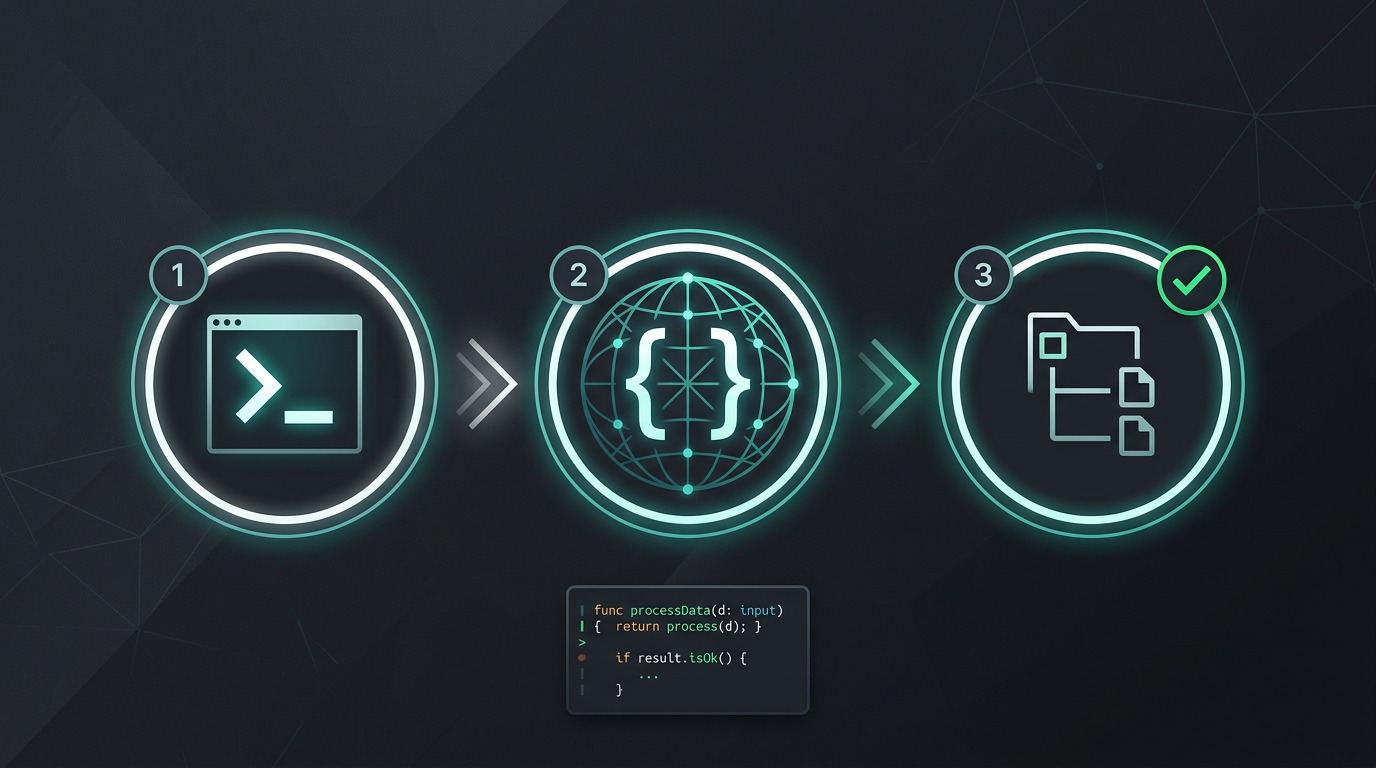
Sem copiar e colar manualmente. Sem extrair cadeias. Apenas ficheiros traduzidos.
Experimente já o i18n Agent
Largue aqui o seu ficheiro de tradução
JSON, YAML, PO, XML, CSV, Markdown, Properties
ou clique para selecionar
Idiomas de destino
Perguntas frequentes
É programador?
Instale a ferramenta de CLI e traduza o seu primeiro ficheiro em 2 minutos.
Instalar a ferramenta de CLIEquipa empresarial?
A sua equipa ainda está vinculada a um contrato de TMS? Falemos sobre a migração.