 GitHub Integration
Automate Your Translation Workflow
CI/CD-native localization for every code commit
$ git push origin main
Enumerating objects: 5, done.
Writing objects: 100% (3/3), done.
i18n-agent: Detecting translation files...
i18n-agent: Found 3 locale files
i18n-agent: Translating to 12 languages...
i18n-agent: PR #142 created with translations
ปัญหาที่คุณกำลังแก้
ขั้นตอนการแปลที่ทำให้วงจรการพัฒนาของคุณช้าลง
Localization Delays Blocking Releases
Manual translation processes slow down your release cycles
Translation Strings Scattered Across Repos
Files drift, duplicates emerge, consistency suffers
Manual Translation PRs Are Error-Prone
Tedious manual work leads to mistakes and inconsistencies
No Version Control or Audit Trail
You can't track who changed what or when
วิธีการทำงาน
จัดการคำแปลเหมือนโค้ด ทำงานอัตโนมัติ ควบคุมเวอร์ชัน และผสานเข้ากับขั้นตอน Git ของคุณ
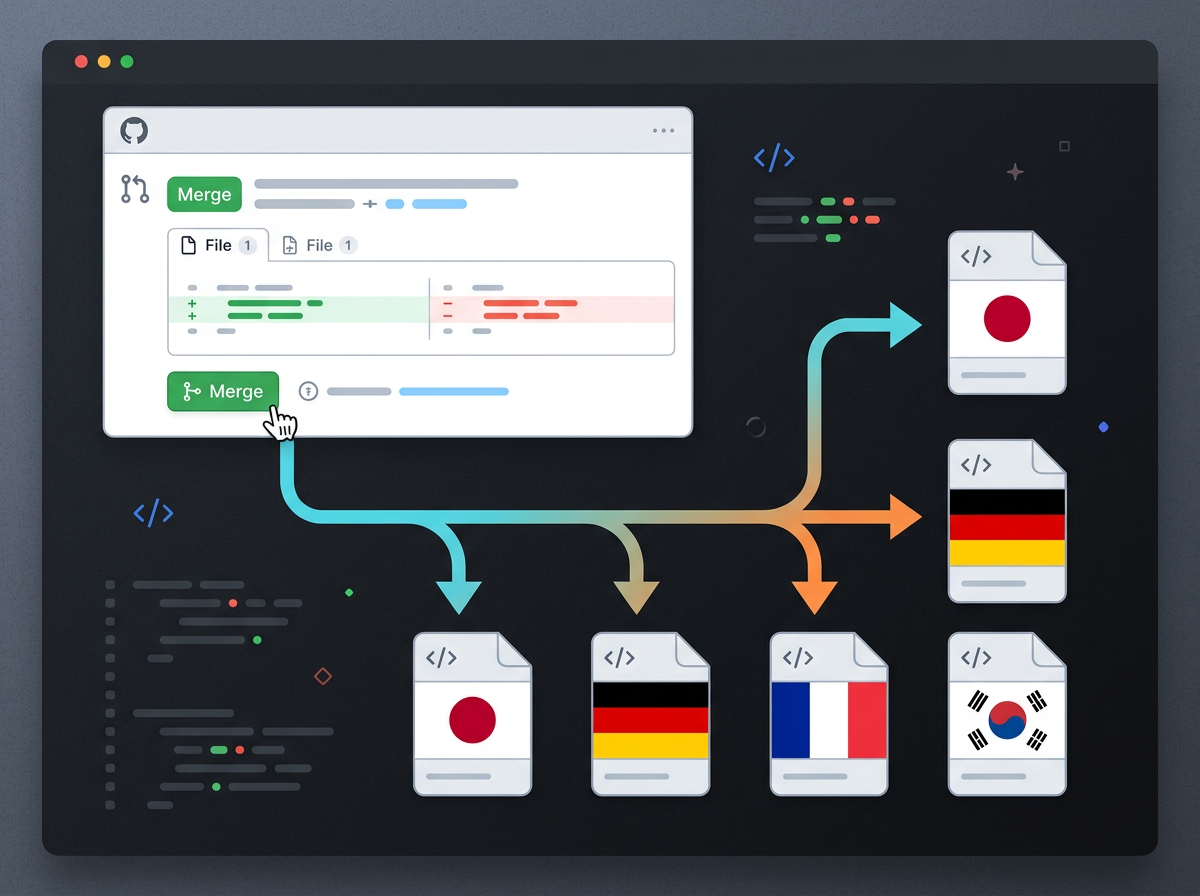
คอมมิตโค้ด
ตรวจหาอัตโนมัติ
Pull Request คำแปล
ตรวจสอบและผสาน
คุณสมบัติหลัก
ทุกสิ่งที่คุณต้องใช้เพื่อทำให้ขั้นตอนการแปลเป็นอัตโนมัติ
Webhook-Triggered Automation
Automatically trigger translations on every code commit
Multi-Format Support
JSON, YAML, PO, and many more formats
Parallel PR Workflow
Reviews happen alongside code reviews
CLI Integration
Manage translations from the command line
Git History Tracking
Complete audit trail of all translation changes
เหมาะสำหรับ
สถานการณ์จริงที่การเชื่อมต่อกับ GitHub แสดงศักยภาพได้อย่างเต็มที่
React App with Continuous Localization
Keep your JavaScript app translated as you push code
Multi-Framework Monorepo
Sync translations across Node.js, Python, and Go services
Developer + Translator Team
Both teams work in GitHub with native workflows
ทำด้วยตนเองเทียบกับแบบผสานรวม
ดูว่าการเชื่อมต่อกับ GitHub เปลี่ยนขั้นตอนการทำงานของคุณอย่างไร
| Feature | จัดการด้วยตนเอง | เมื่อเชื่อมต่อกับ GitHub |
|---|---|---|
| เวลาในการตั้งค่า | 2-3 สัปดาห์ | 1 วัน |
| ระบบอัตโนมัติ | สร้าง Pull Request ด้วยตนเอง | ทำงานอัตโนมัติเต็มรูปแบบ |
| การควบคุมเวอร์ชัน | ไม่มีบันทึกการตรวจสอบ | มีประวัติ Git ครบถ้วน |
| ขั้นตอนการทำงานของทีม | ใช้เครื่องมือแยกกัน | ทำงานบน GitHub โดยตรง |
| การกู้คืนจากข้อผิดพลาด | แก้ไขด้วยตนเอง | แก้ไขอัตโนมัติผ่าน Pull Request |
คำถามที่พบบ่อย
ทุกสิ่งที่คุณควรรู้เกี่ยวกับการเชื่อมต่อกับ GitHub
พร้อมทำให้ขั้นตอนการทำงานเป็นอัตโนมัติหรือยัง?
ร่วมกับนักพัฒนาทั่วโลกที่เผยแพร่ได้เร็วขึ้นด้วยการแปลอัตโนมัติ