 iOS Integration
Streamline Your iOS Localization
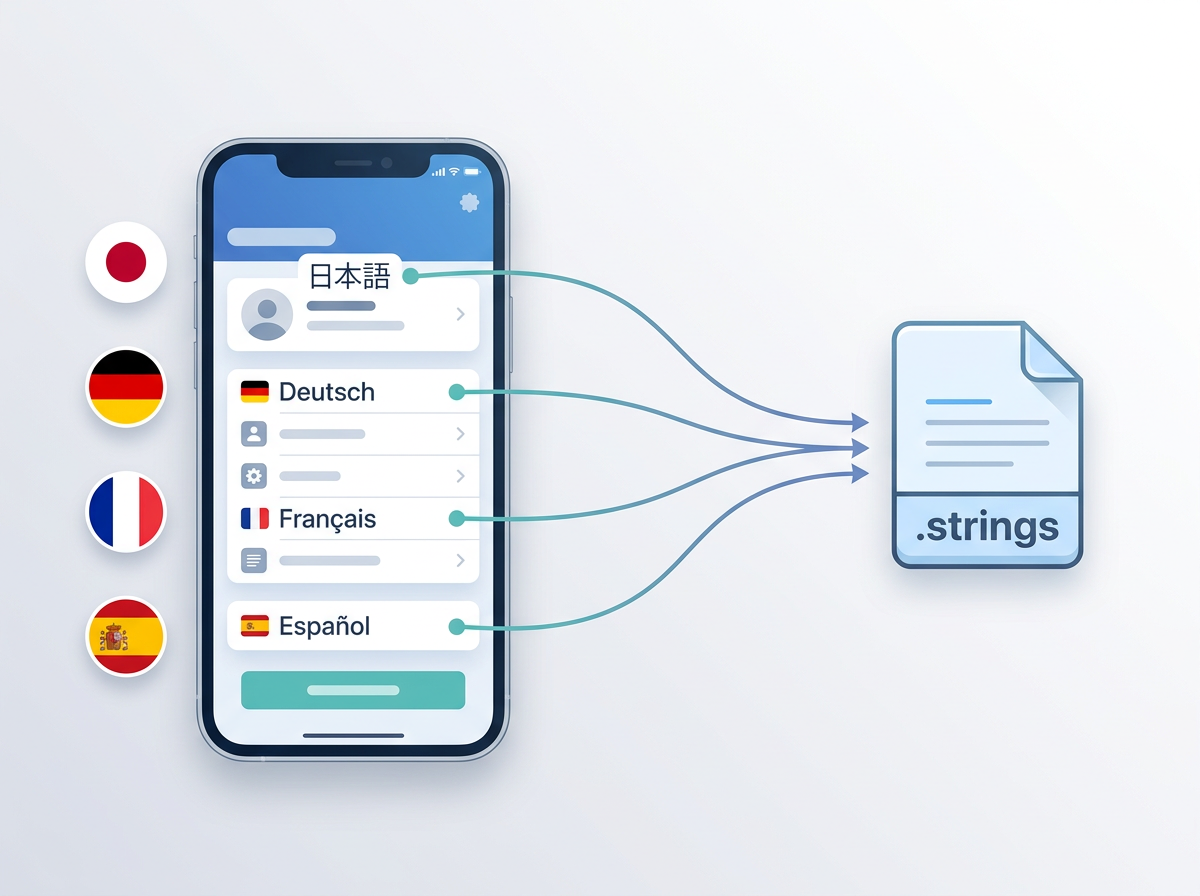
Native .strings sync and iOS app workflows
Localizable.stringsBase.lproj"welcome_title" = "Welcome";
"login_button" = "Sign In";
"settings_label" = "Settings";
// Auto-synced to 12 locales
// ja.lproj, de.lproj, fr.lproj...
Az iOS-lokalizáció kihívásai
A natív keretrendszerek megkövetelik a lokalizációs munkafolyamat újragondolását
Managing Localizable.strings Complexity
Multiple targets, .lproj directories, syntax errors
Keeping Code and Metadata in Sync
Code strings and App Store metadata drift apart
SwiftUI String Catalog Integration
New format support and modern localization patterns
No Workflow Integration
Translation process outside your native development tools
Natív iOS-lokalizáció
Az Xcode-dal, a SwiftUI-jal és a natív fejlesztési munkafolyamatával zökkenőmentesen együttműködő lokalizáció.
Forrás-karakterláncok
Felismerés és kinyerés
Fordítás
Visszaszinkronizálás
iOS-specifikus funkciók
Modern iOS-fejlesztéshez készült SwiftUI-, keretrendszer- és App Store-metaadat-támogatással
Localizable.strings Support
Direct sync with iOS .strings files
SwiftUI Localization
Native String catalog integration
Multi-Target Support
Sync across app, extension, and framework targets
Native Framework Support
Works with UIKit, SwiftUI, and hybrid apps
App Store Metadata Sync
Combined code + App Store localization
iOS-fejlesztői helyzetek
Valós iOS-fejlesztési környezetek, amelyekben fontos a lokalizáció
SwiftUI App with String Catalogs
Keep your native SwiftUI strings translated automatically
Multi-Target iOS App
Sync translations across app targets, extensions, and frameworks
Team with Code + App Store Localization
Manage both native strings and App Store metadata together
Kézi vagy integrált
Hogyan alakítja át a natív iOS-integráció a munkafolyamatot
| Feature | Kézi kezelés | iOS-integrációval |
|---|---|---|
| Fájlformátum-támogatás | .strings fájlok kézi kezelése | Localizable.strings és String Catalogs |
| Többcélú szinkronizálás | Kézzel, célonként | Automatikusan minden célon |
| SwiftUI-támogatás | Korlátozott eszköztár | Natív String Catalog-integráció |
| App Store-metaadatok | Különálló folyamat | Kód és metaadatok együtt |
| Csapatmunka-folyamat | Szétszórt eszközök | Natív Apple-fejlesztői eszközök |
Gyakran Ismételt Kérdések
Minden, amit az iOS-lokalizációról tudnia kell
"welcome" = "Welcome";
"login" = "Sign In";
"settings" = "Settings";
☰ Menu Bar → i18n Agent → Pull
✓ Synced to ja.lproj, de.lproj, fr.lproj
Fordítás közvetlenül az Xcode-ból
Az Xcode mellett futó, kis erőforrás-igényű macOS-menüsoralkalmazás. Még jobb gombos kattintás sem szükséges — automatikusan felismeri az aktív projektet, és egyetlen kattintással lefordítja a .strings, .xcstrings és .stringsdict fájlokat.
Készen áll iOS-lokalizációja egyszerűsítésére?
A világ iOS-fejlesztői automatikus lokalizációval gyorsabban adnak ki alkalmazásokat.