AndroidAndroid Integration

Streamline Your Android Localization

Native strings.xml sync and Android app workflows

Android Localization Challenges

Multi-module projects and XML resources require a structured localization workflow

Managing strings.xml Across Modules

Feature modules, library modules, each with their own res/values/ — strings drift and duplicate

Plural Rules Break Across Languages

Plurals need different CLDR categories per language — easy to miss few/many for Russian, Arabic

App Bundle Strips Language Resources

Google Play splits APKs by language, breaking in-app language switching

No Workflow Integration

Translation process disconnected from your Gradle build and Android Studio workflow

Native Android Localization

Localization that integrates seamlessly with Android Studio, Jetpack Compose, and your Gradle workflow.

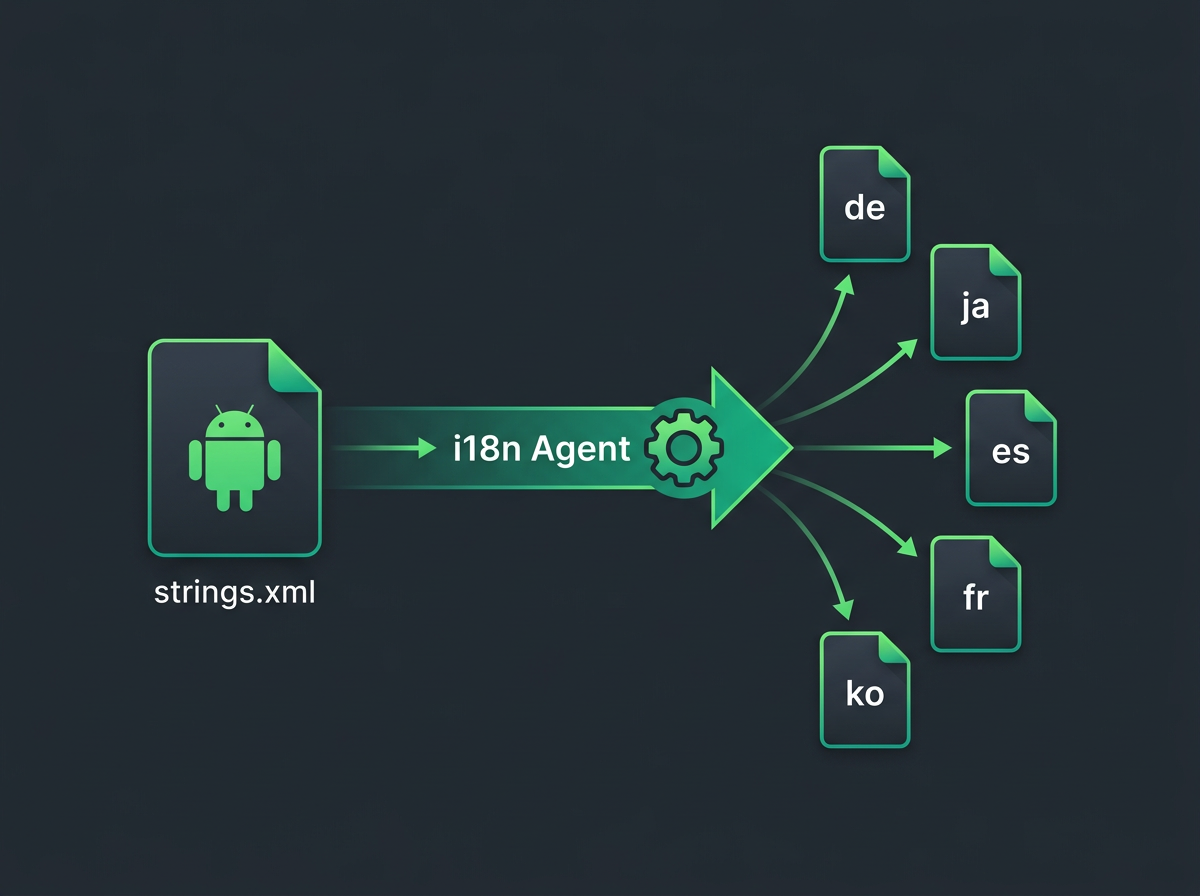
Android localization workflow - strings.xml files synced to multiple languages

Source Strings

Detect & Extract

Translate

Sync Back

Android-Specific Features

Built for modern Android development with Jetpack Compose, multi-module projects, and Play Store metadata

strings.xml Support

Direct sync with Android XML resource files

Jetpack Compose

Native stringResource() and pluralStringResource() integration

Multi-Module Support

Sync across app, feature modules, and library modules

Plural & Array Support

Handles plurals and string-array with correct CLDR rules

Play Store Metadata

Combined code + Fastlane Supply metadata localization

Android Developer Scenarios

Real-world Android development setups where localization matters

1

Jetpack Compose App

Keep your Compose stringResource() calls translated automatically across all locales

2

Multi-Module Android App

Sync translations across app module, feature modules, and shared libraries

3

Team with Code + Play Store Localization

Manage both in-app strings and Play Store metadata together

Manual vs. Integrated

How native Android integration transforms your workflow

FeatureManual ManagementWith Android Integration
File Format SupportManual XML handlingstrings.xml + plurals + string arrays
Multi-Module SyncManual per moduleAutomatic across all modules
Compose SupportLimited toolingNative stringResource integration
Play Store MetadataSeparate processCombined code + metadata
Team WorkflowScattered toolsUnified Android workflow

Frequently Asked Questions

Everything you need to know about Android localization

strings.xmlAndroid Studio

<resources>

<string name="welcome">Welcome</string>

<string name="login">Sign In</string>

</resources>

Tools → i18n Agent → Pull Translations

✓ Translated to de, ja, es, fr, ko

Translate directly from Android Studio

An Android Studio plugin that adds one-click localization to your IDE. Right-click any strings.xml, pick your target languages, and translated files appear in the correct values-{locale} folders instantly.

Right-click any strings.xml to translate
Writes to the correct values-{locale} directories
Push existing translations as translation memory
Install in seconds from the JetBrains Marketplace
Android

Ready to streamline your Android localization?

Android developers worldwide are shipping faster with automatic localization.

Android Integration - i18n Agent