
翻譯 Markdown 文件而不丟失格式
標題、連結、程式碼塊和 frontmatter 均保持不變。文件得到翻譯,格式完整保留。
文件翻譯會破壞格式
Markdown 格式編寫簡單,翻譯時卻很脆弱。多一個空格就會讓標題失效,翻譯連結標籤時可能破壞 URL,不該本地化的程式碼塊被翻譯,frontmatter YAML 也會損壞。最終得到的殘缺文件還需數小時手動清理。
譯員增刪字元時,標題、粗體、斜體和列表標記會失效
連結標籤得到翻譯,但 URL 在過程中被損壞
本應保留英文的內嵌程式碼和程式碼塊被翻譯
YAML frontmatter(title、description、slug)損壞或只得到部分翻譯
來源檔案(英語)
docs/getting-started.md
---
title: Getting Started
description: Learn how to set up your project
---

# Getting Started

Welcome to **MyApp**! Follow these steps:

1. Install the package:

```bash
npm install myapp
```

2. Configure your `config.yml` file
3. Run `myapp init` to initialize

> Need help? Check our [FAQ](/faq) or
> [open an issue](https://github.com/myapp).
譯文(日語)
docs/ja/getting-started.md
---
title: はじめに
description: プロジェクトのセットアップ方法
---

# はじめに

**MyApp**へようこそ!以下の手順に従ってください:

1. パッケージをインストール:

```bash
npm install myapp
```

2. `config.yml`ファイルを設定
3. `myapp init`を実行して初期化

> ヘルプが必要ですか?[FAQ](/faq)または
> [Issueを作成](https://github.com/myapp)してください。
i18n Agent 會保留哪些內容
Markdown 格式
保留標題、粗體、斜體、列表、塊引用和表格,不會破壞格式。
連結與圖片
URL 保持不變,連結標籤得到翻譯,圖片替代文字完成本地化,同時正確處理引用式連結。
程式碼塊
內嵌程式碼和圍欄程式碼塊保留英文,只翻譯周圍的正文。
Frontmatter
按結構解析 YAML frontmatter。翻譯 title 和 description,同時保持 slug 和 date 不變。
相容你的文件平台
Docusaurus
Nextra / Next.js Docs
MkDocs / Material
Hugo
GitBook
README / GitHub Docs
工作原理
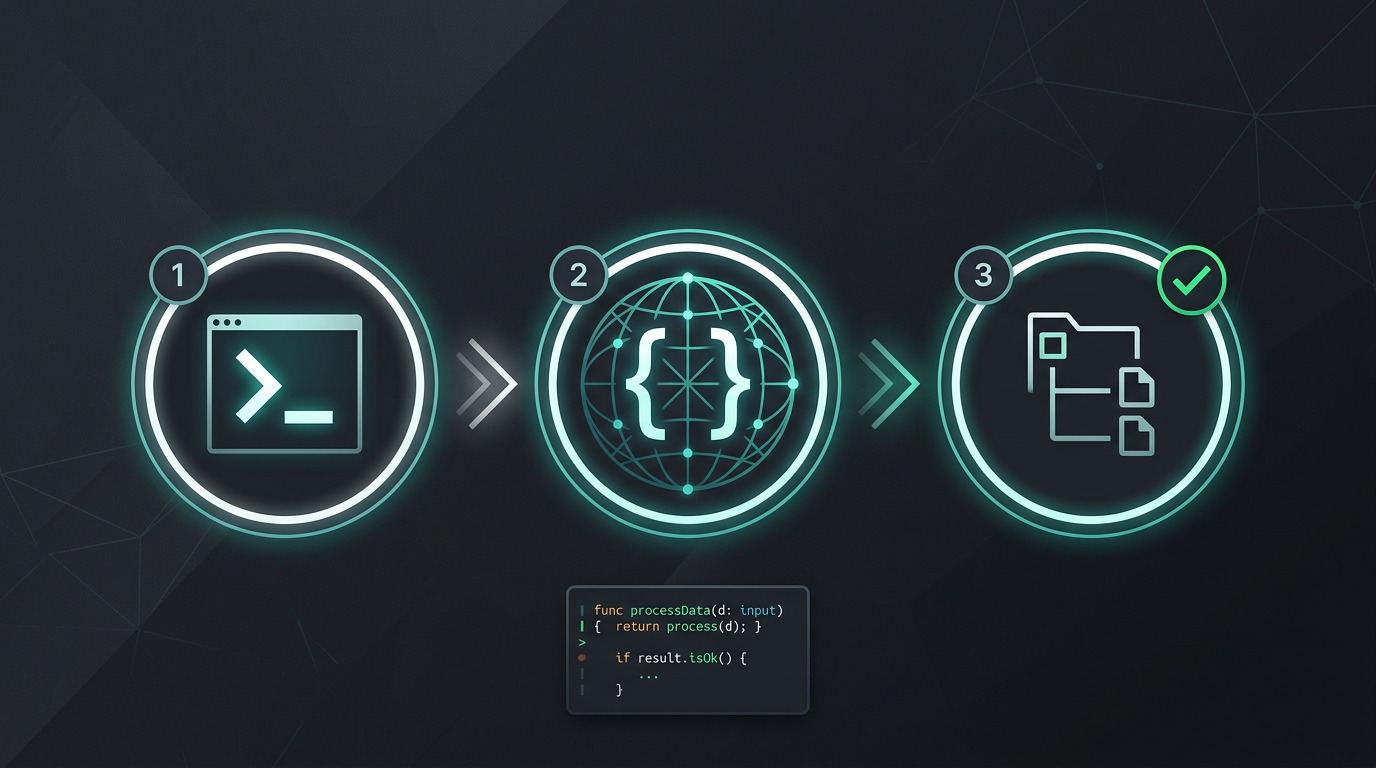
1
2
3
terminal
$translate_filesrc/messages/en.json
--target["de", "ja", "es"]
Done.3 languages, 142 keys translated.
無需手動複製粘貼,無需提取字串,直接獲得翻譯檔案。
立即試用 i18n Agent
將翻譯檔案拖放到此處
JSON, YAML, PO, XML, CSV, Markdown, Properties
或點擊選擇檔案
目標語言
無需註冊即時估價
常見問題
企業團隊?
仍受困於 TMS 合同?歡迎與我們討論遷移方案。