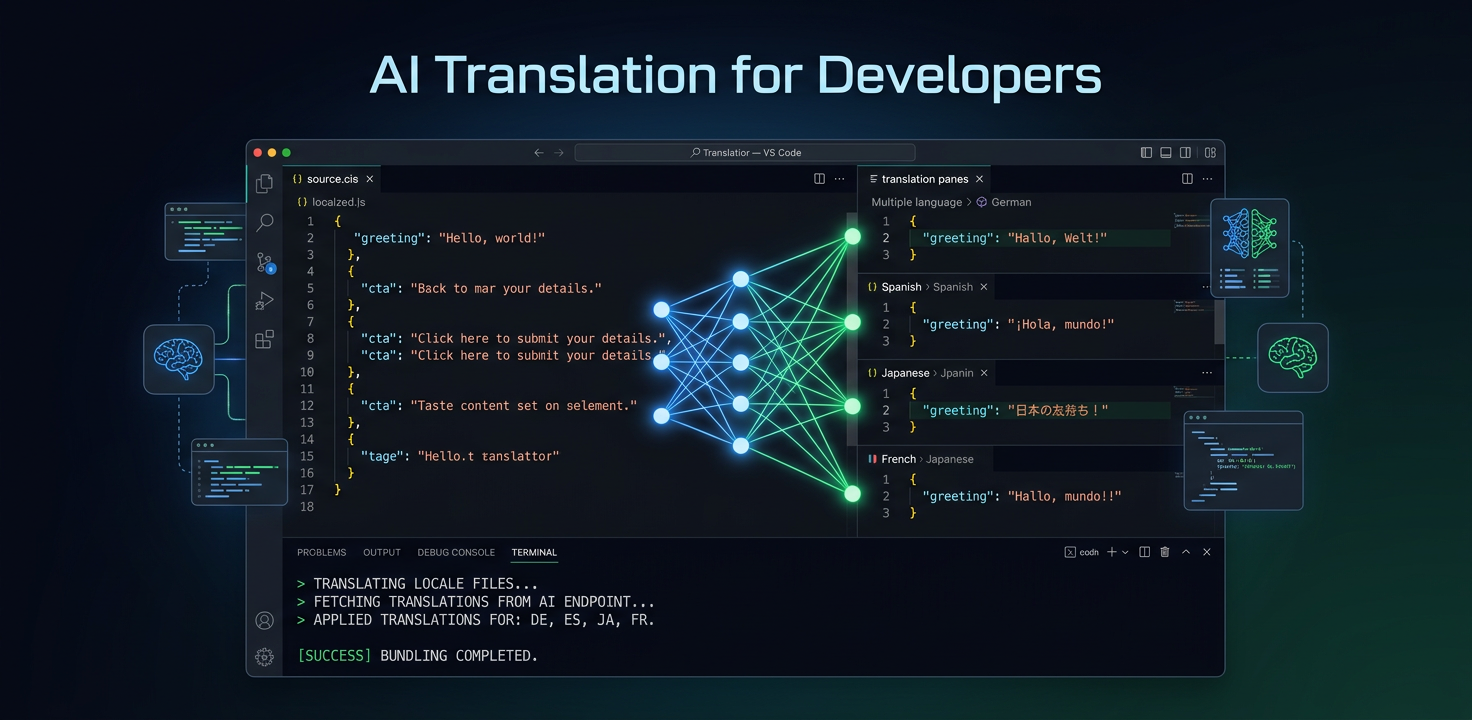
Izstrādātājiem veidota tulkošana ar MI
Jums nav vajadzīga tulkojumu pārvaldības platforma. Jums vajag iztulkotus failus. i18n Agent to paveic no jūsu IDE dažās sekundēs.
Izstrādātāju tulkošanas pieredze šodien
Reģistrējieties tulkošanas platformā, apgūstiet paneli, konfigurējiet projektus, pārvaldiet API atslēgas
Eksportējiet virknes, augšupielādējiet platformā, gaidiet tulkojumu, lejupielādējiet rezultātus un atkal sapludiniet ar kodu bāzi
Tulkošanas API tulko virknes izolēti — tās neizprot failu struktūru vai mainīgo vietturus
Pastāvīgi atjauniniet API integrācijas, apstrādājiet ātruma ierobežojumus, pārvaldiet tīmekļa aizķeru atzvanus, parsējiet atbilžu formātus
Tulkošana bez platformas
Darbojas jūsu IDE
Tulkojiet failus tieši no Claude Code, Cursor vai VS Code. Bez pārlūka cilnēm un paneļiem.
Izprot jūsu failus
Saglabā JSON atslēgas, YAML struktūru, PO metadatus, XML tagus un mainīgo vietturus, piemēram, {name} vai {count}.
Bez integrācijas koda
Bez REST API izsaukumiem, SDK iestatīšanas vai tīmekļa aizķeru apstrādātājiem. Instalējiet MCP serveri un sāciet tulkot.
Izstrādātāju līmeņa kvalitāte
Tehniskie termini paliek precīzi. Mainīgo vietturi tiek saglabāti. ICU ziņojumu formāts tiek apstrādāts pareizi.
Pakeštulkošana
Tulkojiet veselus lokalizācijas direktorijus vienlaikus. Visi faili, visas valodas, viena komanda.
Maksājiet par vārdu
Bez mēneša abonementa vai uz lietotāju vietām balstītas cenas. Tulkojiet 100 vai 100 000 vārdu — maksājiet tikai par izmantoto.
Apskatiet darbībā
Lūk, kā izskatās tulkošana, kad tā darbojas jūsu IDE.
# In Claude Code or Cursor
> Translate my locale files to German and Japanese

# i18n Agent translates your files
Translating locales/en.json → locales/de.json... done (1.2s)
Translating locales/en.json → locales/ja.json... done (1.8s)

✓ 2 files translated, 847 words, quality score: 94/100Izmēģiniet i18n Agent tūlīt
Nometiet tulkošanas failu šeit
JSON, YAML, PO, XML, CSV, Markdown, Properties
vai noklikšķiniet, lai izvēlētos
Mērķa valodas