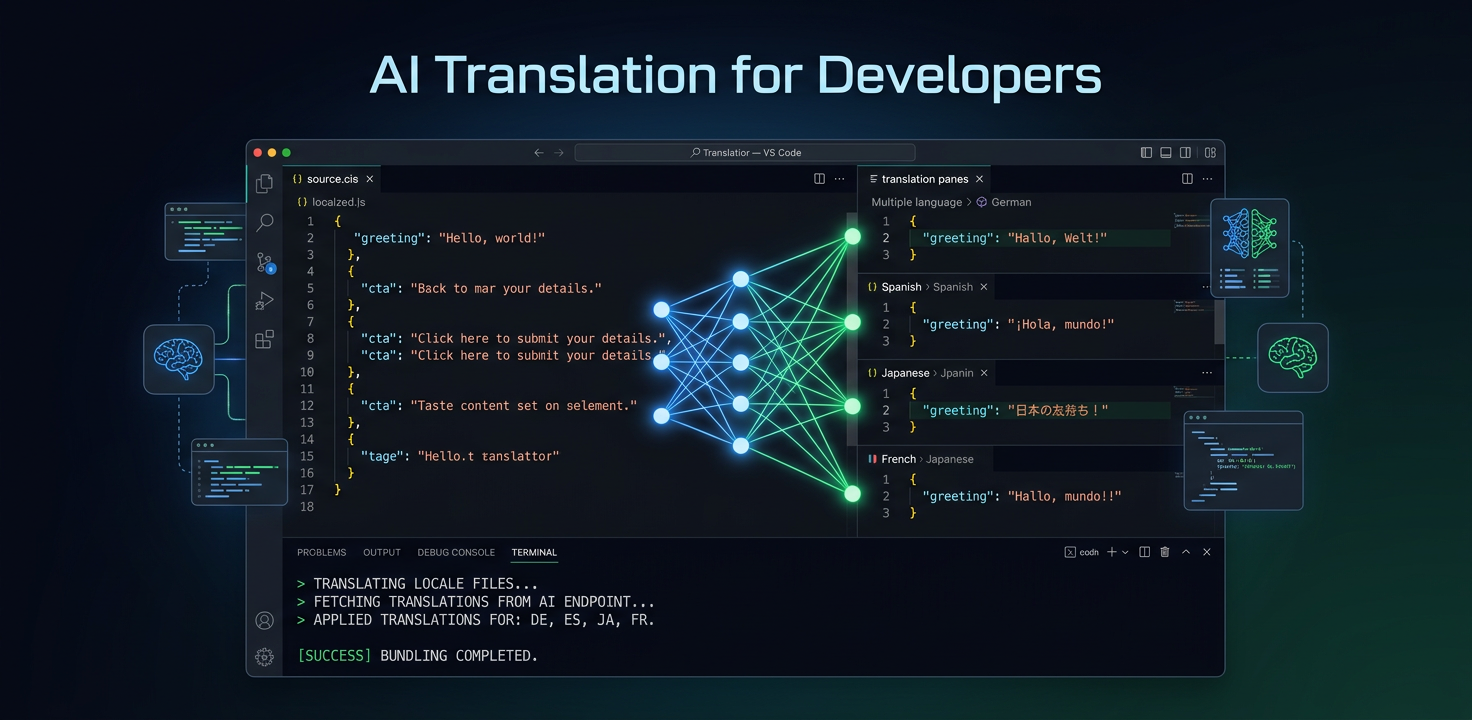
AI Translation Built for Developers

You don't need a translation management platform. You need your files translated. i18n Agent does it from your IDE in seconds.

marketing.cta.getStarted

The Developer Translation Experience Today

Sign up for a translation platform, learn the dashboard, configure projects, manage API keys

Export strings, upload to platform, wait for translation, download results, merge back into codebase

Translation APIs translate strings in isolation — they don't understand your file structure or variable placeholders

Keep API integrations updated, handle rate limits, manage webhook callbacks, parse response formats

Translation Without the Platform

Works in Your IDE

Translate files directly from Claude Code, Cursor, or VS Code. No browser tabs, no dashboards.

Understands Your Files

Preserves JSON keys, YAML structure, PO metadata, XML tags, and variable placeholders like {name} or {{count}}.

No Integration Code

No REST API calls, no SDK setup, no webhook handlers. Install the MCP server and start translating.

Developer-Grade Quality

Technical terms stay accurate. Variable placeholders are preserved. ICU message format is handled correctly.

Batch Translation

Translate entire locale directories at once. All files, all languages, one command.

Pay Per Word

No monthly subscription. No per-seat pricing. Translate 100 words or 100,000 — pay only for what you use.

See It in Action

Here's what translation looks like when it lives in your IDE.

Terminal
# In Claude Code or Cursor
> Translate my locale files to German and Japanese

# i18n Agent translates your files
Translating locales/en.json → locales/de.json... done (1.2s)
Translating locales/en.json → locales/ja.json... done (1.8s)

✓ 2 files translated, 847 words, quality score: 94/100

Try i18n Agent Now

Drop your translation file here

JSON, YAML, PO, XML, CSV, Markdown, Properties

or click to browse

Target languages

No signup requiredInstant estimate

Frequently Asked Questions