
Μεταφράστε αρχεία YAML χωρίς να χαλάσει η εσοχή
Τα anchors διατηρούνται. Οι συμβολοσειρές πολλών γραμμών μένουν ανέπαφες. Τα σχόλια παραμένουν στη θέση τους. Η δομή YAML επιστρέφει ακριβώς όπως υποβλήθηκε, αλλά μεταφρασμένη.
Η μετάφραση YAML είναι εκ φύσεως ευάλωτη
Το YAML εξαρτάται από τα κενά διαστήματα. Μία λανθασμένη εσοχή αρκεί για να πάψει να λειτουργεί ολόκληρη η διαμόρφωσή σας. Τα γενικά εργαλεία μετάφρασης δεν κατανοούν τα anchors, τις συμβολοσειρές πολλών γραμμών ή τα flow scalars του YAML και σίγουρα δεν τα διατηρούν.
Ένα μόνο λανθασμένο κενό αρκεί για να καταστήσει το YAML μη έγκυρο. Τα γενικά εργαλεία δεν τηρούν τους κανόνες εσοχής.
Τα anchors (&anchor) και τα aliases (*anchor) του YAML αντιμετωπίζονται ως μεταφράσιμο κείμενο
Οι συμβολοσειρές πολλών γραμμών (|, >, |-, >-) χάνουν τη μορφοποίηση block scalar
Τα σχόλια αφαιρούνται ή μετακινούνται και το πλαίσιο που χρειάζονται οι προγραμματιστές χάνεται
en:
  welcome: "Welcome, %{name}!"
  products:
    title: "Our Products"
    empty: "No products found"
  errors:
    not_found: "Page not found"
    server: |
      Something went wrong.
Please try again later.ja:
welcome: "ようこそ、%{name}さん!"
products:
title: "製品一覧"
empty: "製品が見つかりません"
errors:
not_found: "ページが見つかりません"
server: |
問題が発生しました。
後でもう一度お試しください。Τι διατηρεί το i18n Agent
Εσοχές και κενά διαστήματα
Η δομή του YAML, η οποία εξαρτάται από τα κενά διαστήματα, διατηρείται ακριβώς. Χωρίς κατεστραμμένες εσοχές.
Anchors και aliases
Οι ορισμοί &anchor και οι αναφορές *anchor αναγνωρίζονται και παραμένουν αμετάβλητα
Συμβολοσειρές πολλών γραμμών
Τα block scalars (|, >), οι ενδείξεις chomp (-, +) και τα flow scalars διατηρούνται όλα
Σχόλια
Τα σχόλια στην ίδια γραμμή και τα αυτοτελή σχόλια παραμένουν στη θέση τους, διατηρώντας τα συμφραζόμενα που χρειάζονται οι προγραμματιστές
Λειτουργεί με την τεχνολογική σας στοίβα
Πώς λειτουργεί
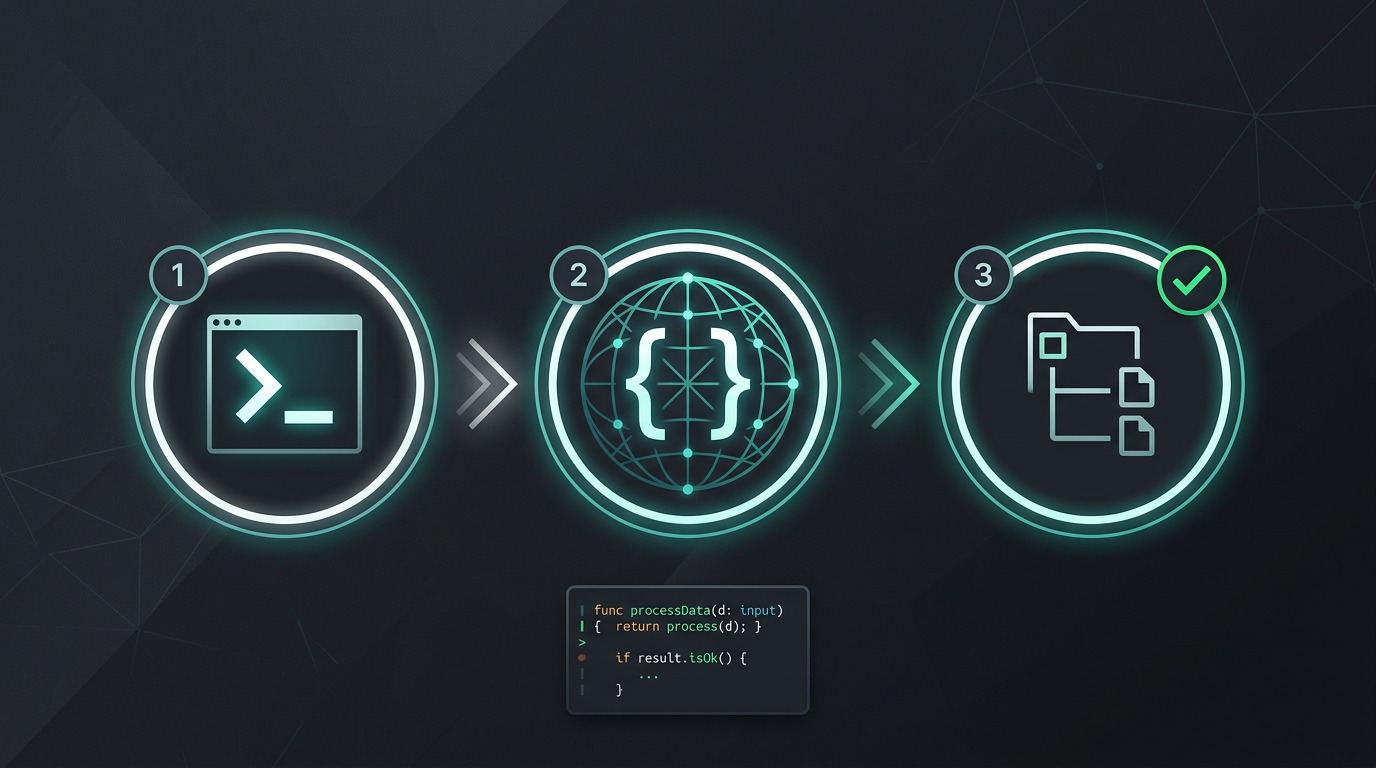
Χωρίς χειροκίνητη αντιγραφή και επικόλληση. Χωρίς εξαγωγή συμβολοσειρών. Μόνο μεταφρασμένα αρχεία.
Δοκιμάστε τώρα το i18n Agent
Αφήστε εδώ το αρχείο μετάφρασής σας
JSON, YAML, PO, XML, CSV, Markdown, Properties
ή κάντε κλικ για να επιλέξετε αρχείο
Γλώσσες-στόχοι
Συχνές ερωτήσεις
Είστε προγραμματιστής;
Εγκαταστήστε το εργαλείο CLI και μεταφράστε το πρώτο σας αρχείο σε 2 λεπτά.
Εγκαταστήστε το εργαλείο CLIΕίστε εταιρική ομάδα;
Σας δεσμεύει ακόμη ένα συμβόλαιο TMS; Ας συζητήσουμε τη μετάβαση.