
Prevedite .strings datoteke bez kvarenja aplikacije
Ključevi su netaknuti. Specifikatori formata su očuvani. Pravila množine su ispravna. Vaša datoteka Localizable.strings prevodi se u nekoliko sekundi, a ne za nekoliko dana.
Prevođenje Apple .strings datoteka je zamorno i podložno pogreškama
Izvezete Localizable.strings, predate je prevoditelju ili zalijepite u opći alat, a dobijete oštećene specifikatore formata, neispravne izlazne sekvence i narušena pravila množine. Zatim satima otklanjate pogrešku zbog koje se aplikacija ruši pri pokretanju na japanskom jeziku.
Opći alati prevode, premještaju ili uklanjaju specifikatore formata kao što su %@, %d i %1$@
Izbjegavajuće sekvence (\n, \", \t) oštećuju se ili dvostruko izbjegavaju, što onemogućuje raščlambu tekstnog niza
Stringsdict pravila množine zahtijevaju CLDR kategorije specifične za jezik, koje većina alata potpuno zanemaruje
Komentari prevoditelja i kontekstualni savjeti se uklanjaju, što dovodi do pogrešnih prijevoda
/* Localizable.strings (English) */

"welcome_title" = "Welcome to MyApp";
"login_button" = "Sign In";
"greeting" = "Hello, %@!";
"items_count" = "%d items in your cart";
"transfer" = "Send %1$@ to %2$@";/* Localizable.strings (Japanese) */
"welcome_title" = "MyAppへようこそ";
"login_button" = "サインイン";
"greeting" = "%@さん、こんにちは!";
"items_count" = "カートに%d個のアイテム";
"transfer" = "%2$@に%1$@を送信";Što i18n Agent čuva
Specifikatori formata
Pozicioni (%1$@) i tipski (%d, %f, %@) specifikatori otkrivaju se i ostaju netaknuti
Izbjegavajuće sekvence
Novi redci (\n), tabulatori (\t), navodnici (\") i Unicode izbjegavajuće sekvence pravilno se čuvaju
Stringsdict množina
CLDR kategorije množine (zero, one, two, few, many, other) pravilno se postavljaju za svaki ciljni jezik
Komentari i kontekst
Komentari prevoditelja i napomene programera ostaju sačuvani radi zadržavanja konteksta prijevoda
Radi na svim platformama Apple
Alati otvorenog izvornog koda za iOS lokalizaciju
i18n Agent za Xcode
macOS aplikacija na traci izbornika koja u Xcode dodaje lokalizaciju jednim klikom. Automatski otkriva Vaš aktivni projekt, prevodi datoteke .strings, .xcstrings i .stringsdict te ih zapisuje u odgovarajuće mape .lproj. Pošaljite postojeće prijevode kao prijevodnu memoriju radi dosljednih rezultata u cijelom projektu.
LocaleChain
iOS ima poznat nedostatak: kada korisnička regionalna lokalna oznaka (npr. pt-BR) nedostaje, sustav odmah prelazi na engleski umjesto da pokuša sa srodnom lokalnom oznakom (npr. pt-PT). LocaleChain je paket za Swift koji to ispravlja prilagodljivim zamjenskim lancima. Jedan redak za postavljanje, bez izmjena postojećeg koda.
Kako radi
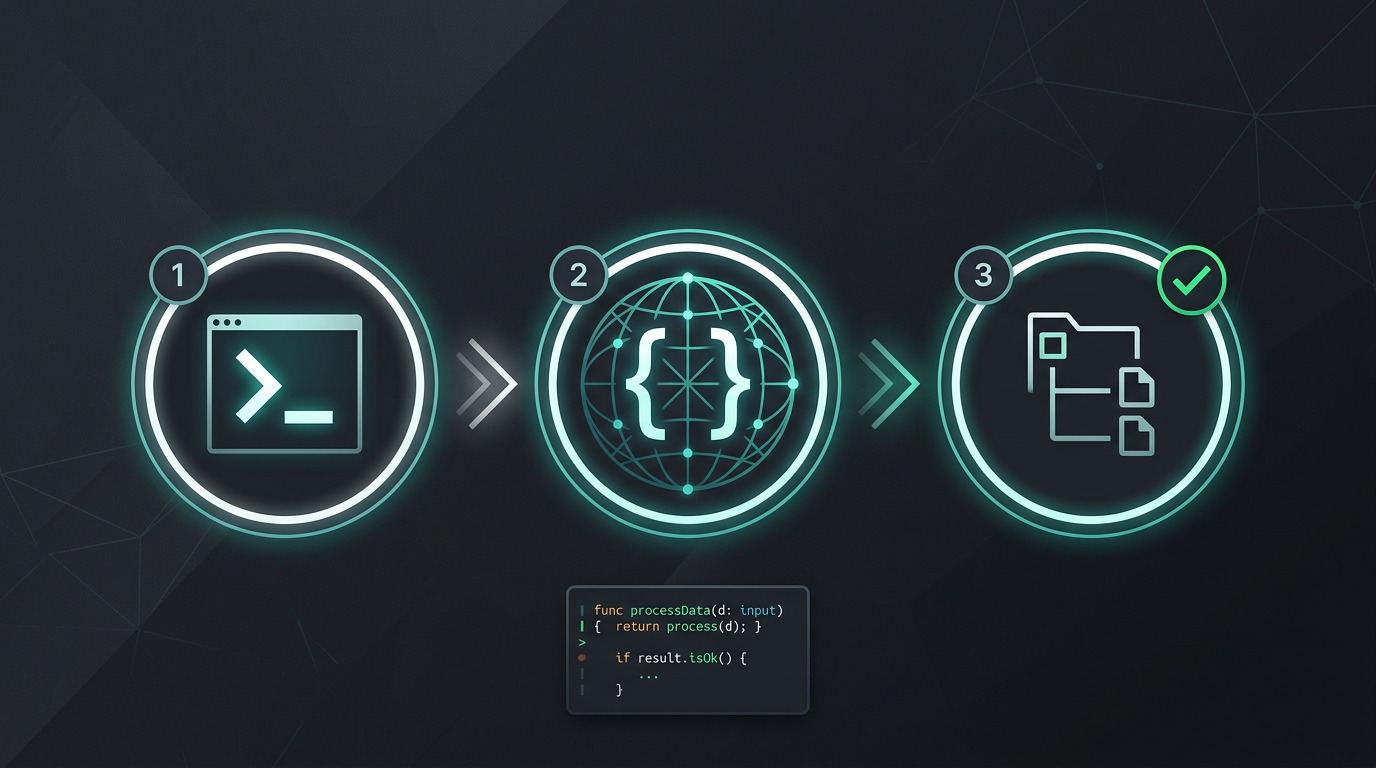
Bez ručnog kopiranja i lijepljenja. Bez izdvajanja tekstnih nizova. Samo prevedene datoteke.
Isprobajte i18n Agent odmah
Povucite datoteku za prijevod ovdje
JSON, YAML, PO, XML, CSV, Markdown, Properties
ili kliknite za odabir
Ciljni jezici
Česta pitanja
Programer ste?
Instalirajte CLI alat i prevedite svoju prvu datoteku u 2 minute.
Instalirajte CLI alatPoslovni tim?
Još ste vezani ugovorom za TMS? Razgovarajmo o prelasku.