
बड़े पैमाने पर CSV फ़ाइलों का अनुवाद करें
कॉलम की संरचना सुरक्षित रहती है। कोट किए गए फ़ील्ड सही ढंग से संभाले जाते हैं। मल्टी-लाइन मान जस के तस रहते हैं। हज़ारों पंक्तियों का अनुवाद दिनों में नहीं, मिनटों में होता है।
स्प्रेडशीट का अनुवाद थकाऊ है और इसमें गलतियाँ होने की आशंका रहती है
आप अपने अनुवाद CSV में एक्सपोर्ट करते हैं, उसे Excel में खोलते हैं, एक-एक पंक्ति का मैन्युअल अनुवाद करते हैं, एन्कोडिंग की समस्याओं से जूझते हैं, गलती से कोट किए गए फ़ील्ड बिगाड़ देते हैं और फिर कॉलम का अलाइनमेंट ठीक करने में एक घंटा लगाते हैं। अब इसे हर लक्ष्य भाषा के लिए दोहराने की कल्पना करें।
स्प्रेडशीट ऐप में CSV खोलते समय कैरेक्टर एन्कोडिंग बिगड़ जाती है। विशेष वर्ण अपठनीय हो जाते हैं।
कॉमा, न्यूलाइन या विशेष वर्णों वाले कोट किए गए फ़ील्ड अनुवाद के दौरान बिगड़ जाते हैं
कॉलम मैपिंग खो जाती है। कुंजियाँ मान वाले कॉलम में और मान कुंजी वाले कॉलम में पहुँच जाते हैं।
सैकड़ों या हज़ारों पंक्तियों का मैन्युअल अनुवाद करने में कई दिन लगते हैं और एकरूपता भी प्रभावित होती है
key,en
welcome,"Welcome to our app!"
cart.empty,"Your cart is empty"
cart.items,"{count} items in your cart"
error.notFound,"Page not found"
email.subject,"Your order has been confirmed"key,fr
welcome,"Bienvenue dans notre application !"
cart.empty,"Votre panier est vide"
cart.items,"{count} articles dans votre panier"
error.notFound,"Page introuvable"
email.subject,"Votre commande a été confirmée"i18n Agent क्या सुरक्षित रखता है
कॉलम की संरचना
हेडर, कॉलम का क्रम और पंक्तियों का अलाइनमेंट आपकी स्रोत फ़ाइल के बिल्कुल अनुरूप रहते हैं। कोई सेल अपनी जगह से नहीं खिसकता।
कोट किए गए फ़ील्ड
कॉमा, न्यूलाइन और विशेष वर्णों वाले फ़ील्ड को आउटपुट में सही ढंग से कोट किया जाता है
कैरेक्टर एन्कोडिंग
UTF-8, UTF-16 और अन्य एन्कोडिंग पहचानकर सुरक्षित रखी जाती हैं। अब कोई अपठनीय वर्ण नहीं।
बल्क प्रोसेसिंग
हज़ारों पंक्तियाँ समानांतर रूप से प्रोसेस की जाती हैं। तेज़ अनुवाद के लिए बड़ी फ़ाइलें अपने-आप छोटे हिस्सों में बाँट दी जाती हैं।
CSV अनुवाद के सामान्य कार्य-प्रवाह
यह कैसे काम करता है
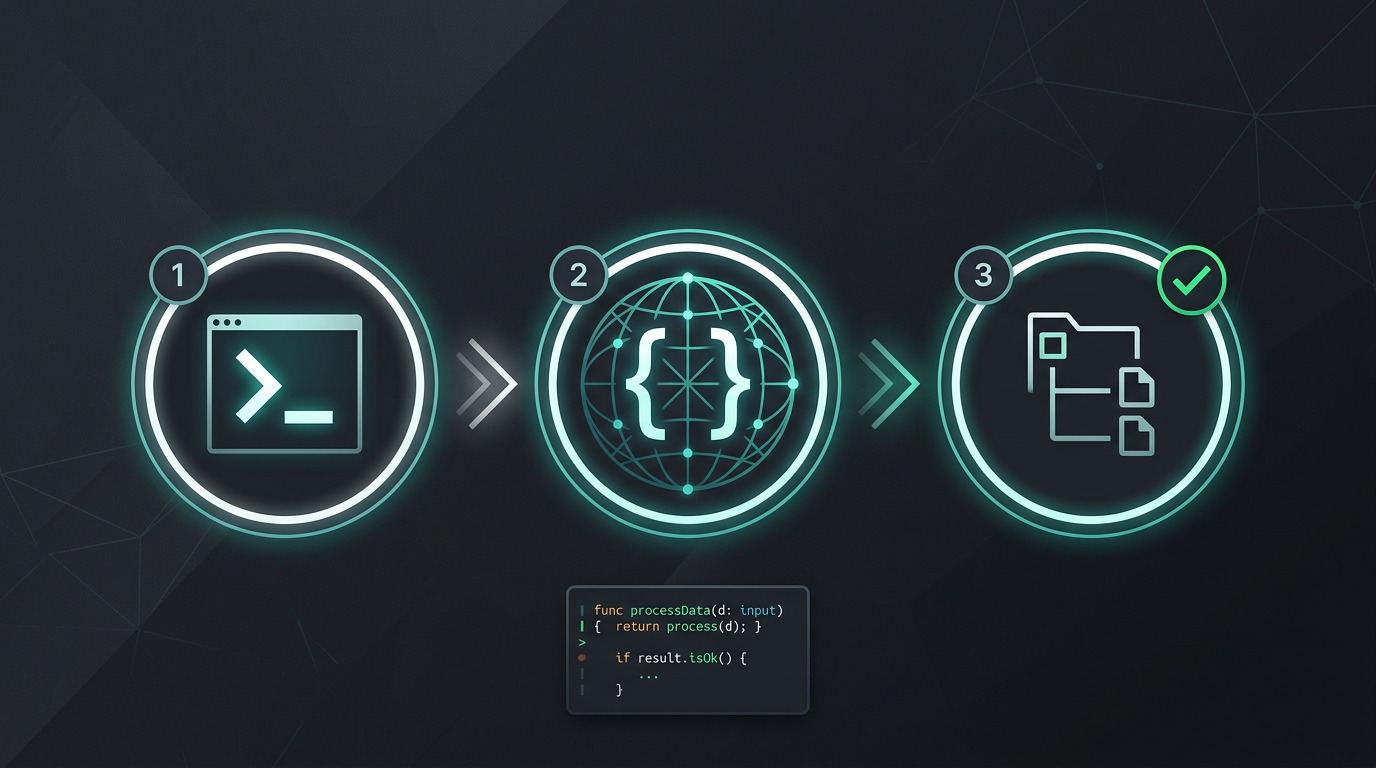
न मैन्युअल कॉपी-पेस्ट। न स्ट्रिंग निकालने की झंझट। बस अनुवादित फ़ाइलें।
i18n Agent अभी आज़माएँ
अपनी अनुवाद फ़ाइल यहाँ छोड़ें
JSON, YAML, PO, XML, CSV, Markdown, Properties
या ब्राउज़ करने के लिए क्लिक करें
लक्षित भाषाएँ
अक्सर पूछे जाने वाले सवाल
क्या आप डेवलपर हैं?
CLI टूल इंस्टॉल करें और 2 मिनट में अपनी पहली फ़ाइल का अनुवाद करें।
CLI टूल इंस्टॉल करेंक्या आप एंटरप्राइज़ टीम हैं?
क्या TMS अनुबंध अब भी आपकी राह रोक रहा है? माइग्रेशन के बारे में हमसे बात करें।