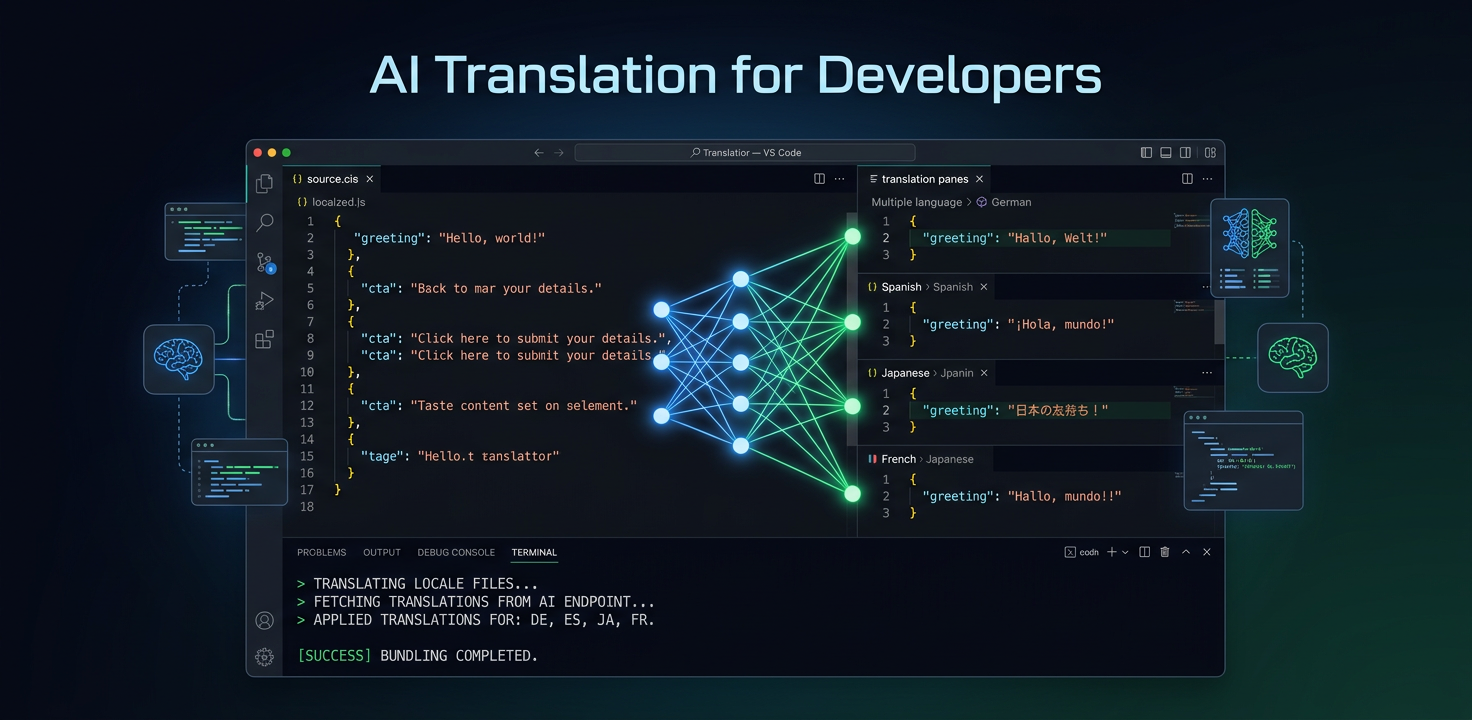
Tradução com IA criada para desenvolvedores
Não precisa de uma plataforma de gestão de traduções, mas sim dos seus arquivos traduzidos. O i18n Agent trata disso no seu IDE em segundos.
A experiência atual dos desenvolvedores com tradução
Se cadastrar em uma plataforma de tradução, aprender a utilizar o painel, configurar projetos e gerenciar chaves de API
Exportar strings, enviá-las na plataforma, aguardar a tradução, baixar os resultados e voltar a integrá-los na base de código
As API de tradução traduzem strings isoladamente: não compreendem a estrutura do arquivo nem os marcadores de variáveis
Manter as integrações de API atualizadas, tratar limites de requisições, gerenciar chamadas de webhook e analisar formatos de resposta
Tradução sem plataforma
Funciona no seu IDE
Traduza arquivos diretamente a partir do Claude Code, Cursor ou VS Code. Sem separadores do navegador nem painéis.
Compreende seus arquivos
Preserva chaves JSON, estruturas YAML, metadados PO, etiquetas XML e marcadores de variáveis, como {name} ou {count}.
Sem código de integração
Sem chamadas de API REST, configuração de SDK ou processadores de webhook. Instale o servidor MCP e comece a traduzir.
Qualidade para desenvolvedores
Os termos técnicos permanecem exatos. Os marcadores de variáveis são preservados. O formato de mensagens ICU é tratado corretamente.
Tradução em lote
Traduza diretórios de localidades completos de uma só vez. Todos os arquivos e idiomas em um único comando.
Pagamento por palavra
Sem assinatura mensal nem preços por usuário. Traduza 100 ou 100.000 palavras e pague apenas aquilo que utilizar.
Ver em ação
Veja como é traduzir quando tudo acontece no seu IDE.
# In Claude Code or Cursor
> Translate my locale files to German and Japanese

# i18n Agent translates your files
Translating locales/en.json → locales/de.json... done (1.2s)
Translating locales/en.json → locales/ja.json... done (1.8s)

✓ 2 files translated, 847 words, quality score: 94/100Experimente já o i18n Agent
Solte aqui seu arquivo de tradução
JSON, YAML, PO, XML, CSV, Markdown, Properties
ou clique para selecionar
Idiomas de destino