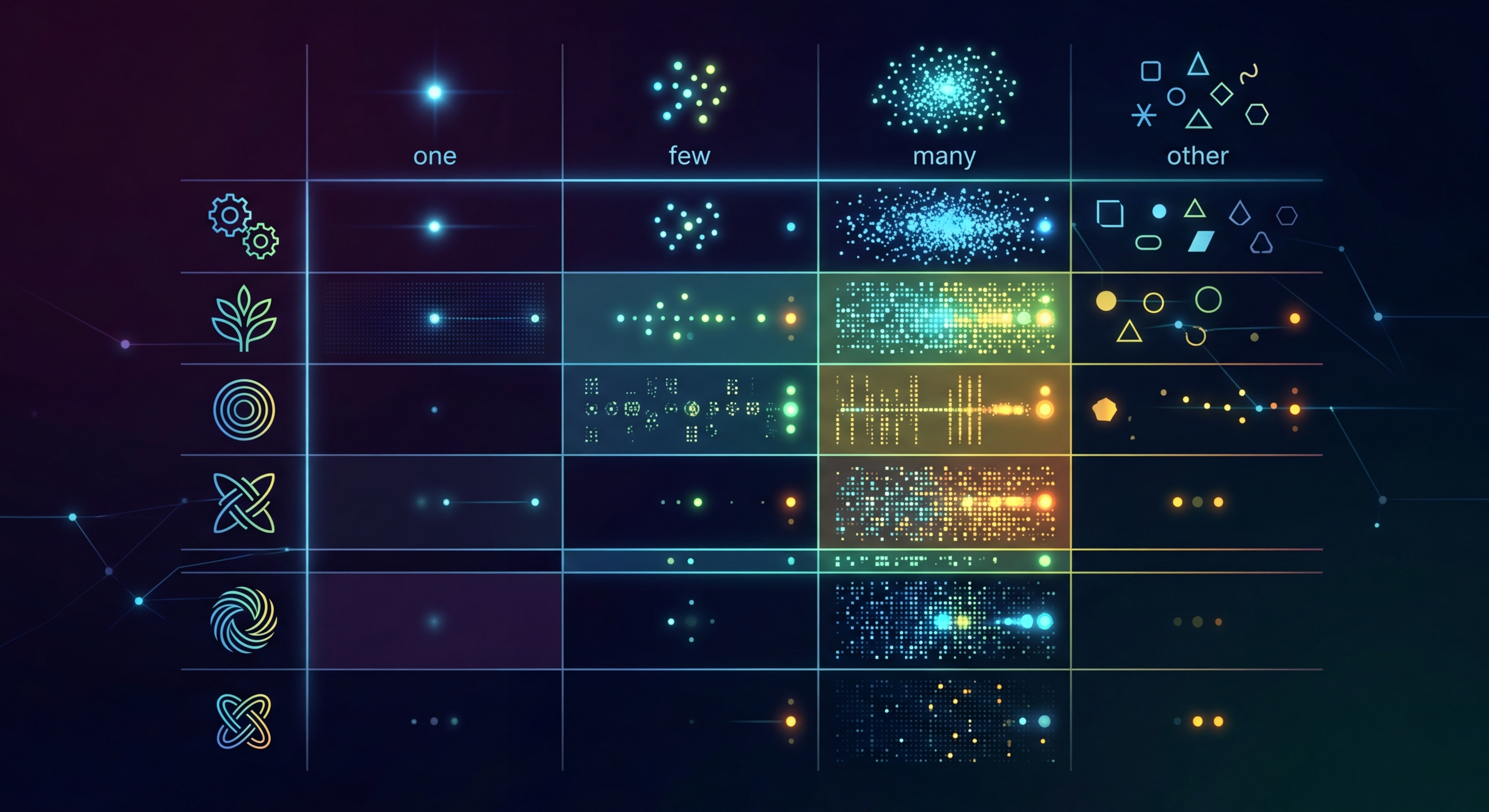
CLDR 複數規則:跨語言驗證 i18n 複數類別
英語有 2 種複數形式,阿拉伯語有 6 種,俄語有 4 種。如果 i18n 設定只處理 'one' 和 'other',應用在大多數語言中都會出錯。本指南說明 CLDR 複數規則及其驗證方法。
什麼是 CLDR 複數規則?
Unicode CLDR(Common Locale Data Repository)定義六個複數類別:zero、one、two、few、many 和 other。每種語言使用其中一部分,並有特定數字規則。英語使用 one(恰好為 1)和 other(其餘)。但大多數語言更複雜,錯誤的複數形式會導致語法不通,使應用程式顯得不專業。
// English has 2 plural forms: one, other
// "1 item" vs "2 items"

// But many languages have more:
// Arabic: 6 forms (zero, one, two, few, many, other)
// Polish: 3 forms (one, few, other)
// Japanese: 1 form (other)
// Czech: 3 forms (one, few, other)

// If you only provide "one" and "other",
// Arabic and Polish users see broken text.六個複數類別
CLDR 只定義六個複數類別。並非每種語言都使用全部類別;英語只使用兩個,阿拉伯語使用全部六個。i18n 檔案必須定義每種目標語言所需的類別,否則用戶會遇到崩潰、原始鍵或語法錯誤的文字。
// CLDR defines 6 plural categories:
// zero  - 0 items (Arabic, Latvian)
// one   - 1 item (most languages)
// two   - 2 items (Arabic, Welsh)
// few   - 2-4 items (Polish, Czech, Russian)
// many  - 5-19 items (Arabic, Polish, Russian)
// other - everything else (required for ALL languages)

// Examples by language:
// English:  one, other                    (2 forms)
// French:   one, many, other              (3 forms)
// Arabic:   zero, one, two, few, many, other  (6 forms)
// Japanese: other                         (1 form)
// Polish:   one, few, many, other         (4 forms)
// Russian: one, few, many, other (4 forms)各語言的複數類別
常見目標語言所需複數類別的快速參考。定義翻譯檔案中的複數形式時可使用此表。
// MISTAKE 1: Only providing "one" and "other"
// en.json
{
  "items_one": "{{count}} item",
  "items_other": "{{count}} items"
}
// This breaks for Arabic (missing zero, two, few, many)

// MISTAKE 2: Hardcoded plural logic
// WRONG:
const text = count === 1 ? "1 item" : `${count} items`
// This fails for languages where "1" isn't the only "one" form

// MISTAKE 3: Missing "other" category
// "other" is REQUIRED for every language
// Without it, some numbers show raw keys

// MISTAKE 4: Translating plural RULES instead of text
// The CLDR rules (one, few, many) are universal
// Only the TEXT after each rule should be translated自動複數驗證
i18n-validate 會檢查翻譯檔案中的每個複數鍵是否定義目標語言所需的全部 CLDR 類別。如果俄語檔案只有 'one' 和 'other' 形式,該工具會將缺失的 'few' 和 'many' 類別標為錯誤。在 CI 中執行它,可在複數問題影響用戶前發現問題。
# Validate plural forms match CLDR requirements
npx i18n-validate --check-plurals \
  --source locales/en.json \
  --targets 'locales/*.json'

# Output:
# locales/ar.json:
#   items: missing plural forms: zero, two, few, many
#   Expected: zero, one, two, few, many, other
#   Found: one, other
#
# locales/pl.json:
#   items: missing plural forms: few, many
#   Expected: one, few, many, other
#   Found: one, other

# Fix: Add all required forms for each language
# See https://unicode.org/cldr/charts/latest/supplemental/language_plural_rules.html用於複數的 ICU MessageFormat
定義複數翻譯的推薦方式是 ICU MessageFormat。它使用嵌入複數規則的單個字串:{count, plural, one {# 個項目} other {# 個項目}'}。react-intl、vue-i18n、Angular Transloco、Flutter 和大多數現代 i18n 框架都支援 ICU。
// ICU MessageFormat handles plurals correctly
// It uses CLDR rules internally

// en.json
{
  "items": "{count, plural, one {# item} other {# items}}"
}

// ar.json
{
  "items": "{count, plural, zero {لا عناصر} one {عنصر واحد} two {عنصران} few {# عناصر} many {# عنصرًا} other {# عنصر}}"
}

// pl.json
{
  "items": "{count, plural, one {# element} few {# elementy} many {# elementów} other {# elementu}}"
}

// ICU also handles ordinals:
{
  "ranking": "{pos, selectordinal, one {#st} two {#nd} few {#rd} other {#th}}"
}# Validate ICU message syntax
npx i18n-validate --check-icu \
--source locales/en.json \
--targets 'locales/*.json'
# Catches:
# - Missing plural categories for the target language
# - Syntax errors in ICU messages
# - Mismatched variable names
# - Missing "other" (always required)立即試用 i18n Agent
將翻譯檔案拖放到此處
JSON, YAML, PO, XML, CSV, Markdown, Properties
或點擊選擇檔案
目標語言