
翻譯 .properties 檔案,不再為編碼頭疼
妥善處理編碼,保留轉義序列和注釋,確保 Unicode 轉義正確。翻譯 properties 檔案不再受 ISO-8859-1 困擾。
.properties 翻譯是一場編碼噩夢
Java .properties 檔案擁有 30 年的編碼歷史包袱。預設編碼為 ISO-8859-1,非拉丁字元必須使用 Unicode 轉義序列(\uXXXX),而反斜槓、換行符和特殊字元的轉義規則會難倒所有通用翻譯工具。
ISO-8859-1 與 UTF-8 編碼不匹配會損壞非拉丁字元,使日語、中文和韓語文字變成亂碼
反斜槓轉義序列(\n、\t、\\、\=)被重復轉義、刪除或當作文字處理
注釋行(# 和 !)及內嵌注釋被刪除,導致開發上下文和區段組織丟失
非拉丁字元的 Unicode 轉義序列(\uXXXX)被損壞、翻譯或錯誤轉換
來源檔案(英語)
messages_en.properties
# Application messages
# Generated by Spring Boot i18n

app.title=My Application
app.description=A powerful tool for your team

# Navigation
nav.home=Home
nav.settings=Settings
nav.logout=Log Out

# User messages
user.greeting=Hello, {0}!
user.welcome=Welcome back, {0}. You have {1} new notifications.

# Special characters and unicode
currency.format=${0,number,#,##0.00}
path.separator=C:\\Users\\Documents
special.chars=Line one\nLine two\nLine three
unicode.example=\u00E9\u00E8\u00EA
譯文(日語)
messages_ja.properties
# Application messages
# Generated by Spring Boot i18n

app.title=Meine Anwendung
app.description=Ein leistungsstarkes Werkzeug f\u00FCr Ihr Team

# Navigation
nav.home=Startseite
nav.settings=Einstellungen
nav.logout=Abmelden

# User messages
user.greeting=Hallo, {0}!
user.welcome=Willkommen zur\u00FCck, {0}. Sie haben {1} neue Benachrichtigungen.

# Special characters and unicode
currency.format=${0,number,#,##0.00}
path.separator=C:\\Users\\Dokumente
special.chars=Zeile eins\nZeile zwei\nZeile drei
unicode.example=\u00E9\u00E8\u00EA
i18n Agent 會保留哪些內容
編碼處理
偵測 ISO-8859-1 與 UTF-8 編碼,並輸出正確格式;需要時使用適當的 Unicode 轉義
轉義保留
能夠識別反斜槓轉義(\n、\t、\\、\=、\:),並按定義精確保留
注釋保留
注釋行、區段標頭和內嵌文件均保留在原位,以維持檔案結構
Unicode 支援
對於 ISO-8859-1 檔案,非拉丁譯文會正確編碼為 \uXXXX 轉義序列;對於 UTF-8 檔案,則使用原生字元
相容您的 Java 技術堆疊
Spring Boot / Spring MVC
舊版 Java 應用程式
Apache Ant / Maven 專案
Java ResourceBundle
工作原理
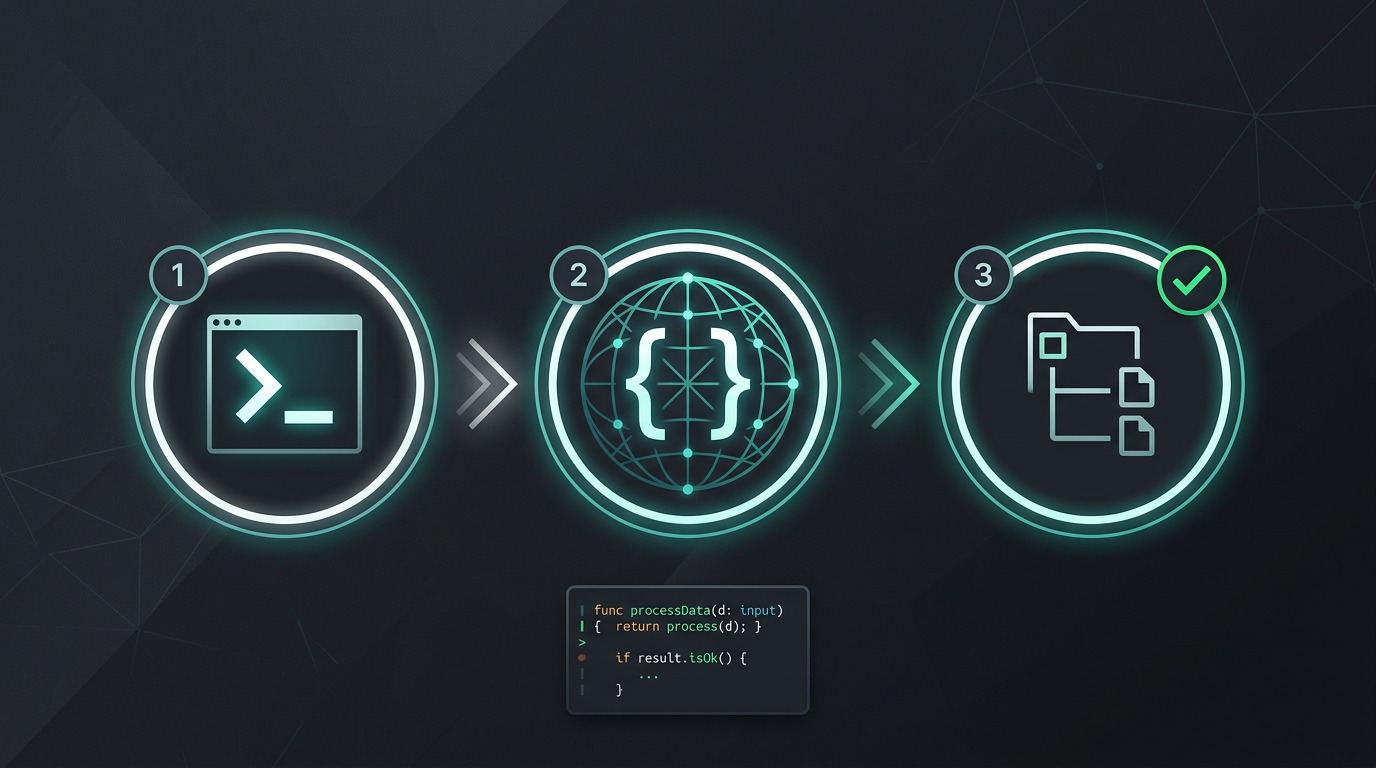
1
2
3
terminal
$translate_filesrc/messages/en.json
--target["de", "ja", "es"]
Done.3 languages, 142 keys translated.
無需手動複製粘貼,無需提取字串,直接獲得翻譯檔案。
立即試用 i18n Agent
將翻譯檔案拖放到此處
JSON, YAML, PO, XML, CSV, Markdown, Properties
或點擊選擇檔案
目標語言
無需註冊即時估價
常見問題
企業團隊?
仍受困於 TMS 合同?歡迎與我們討論遷移方案。