
Flutter ARB फ़ाइलों का सेकंडों में अनुवाद करें
मेटाडेटा ज्यों का त्यों रहता है। प्लेसहोल्डर सुरक्षित रहते हैं। बहुवचन रूप CLDR के अनुसार सही होते हैं। आपकी ARB फ़ाइलों का अनुवाद flutter gen-l10n को बाधित किए बिना किया जाता है।
ARB अनुवाद से Flutter बिल्ड विफल हो सकते हैं
ARB फ़ाइलें JSON जैसी दिखती हैं, लेकिन वे JSON नहीं हैं। इनमें @ से शुरू होने वाली मेटाडेटा एंट्रियाँ, प्रकार एनोटेशन वाली प्लेसहोल्डर परिभाषाएँ और ICU बहुवचन रूप होते हैं, जिन्हें CLDR के नियमों का बिल्कुल सही पालन करना होता है। सामान्य अनुवाद टूल इन सभी को बिगाड़ देते हैं—जिससे flutter gen-l10n बिना कोई स्पष्ट सूचना दिए विफल हो जाता है या अस्पष्ट त्रुटियाँ दिखाता है।
@ से शुरू होने वाली मेटाडेटा एंट्रियों का अनुवाद कर दिया जाता है या उन्हें हटा दिया जाता है, जिससे प्लेसहोल्डर परिभाषाएँ और विवरण टूट जाते हैं
कर्ली ब्रेसेज़ के भीतर मौजूद प्लेसहोल्डर नामों का अनुवाद किया जाता है, उनके नाम बदल दिए जाते हैं या उन्हें हटा दिया जाता है—जिससे रनटाइम क्रैश होते हैं
ICU बहुवचन रूपों में हर भाषा के लिए सटीक CLDR श्रेणियाँ आवश्यक होती हैं, लेकिन सामान्य टूल या तो उन्हें छोड़ देते हैं या अमान्य संरचनाएँ बना देते हैं
@@locale हेडर बिगड़ जाता है या उससे गलत लोकेल जोड़ा जाता है, जिससे flutter gen-l10n अनुवादों को गलत भाषा से संबद्ध कर देता है
{
  "@@locale": "en",
  "appTitle": "My Flutter App",
  "@appTitle": {
    "description": "The title of the application"
  },
  "greeting": "Hello, {name}!",
  "@greeting": {
    "description": "A greeting with the user's name",
    "placeholders": {
      "name": {
        "type": "String",
        "example": "John"
      }
    }
  },
  "itemCount": "{count, plural, =0{No items} =1{1 item} other{{count} items}}",
  "@itemCount": {
    "description": "Number of items in the cart",
    "placeholders": {
      "count": {
        "type": "int"
      }
    }
  },
  "lastLogin": "Last login: {date}",
  "@lastLogin": {
    "placeholders": {
      "date": {
        "type": "DateTime",
        "format": "yMMMd"
      }
    }
  }
}{
"@@locale": "de",
"appTitle": "Meine Flutter-App",
"@appTitle": {
"description": "The title of the application"
},
"greeting": "Hallo, {name}!",
"@greeting": {
"description": "A greeting with the user's name",
"placeholders": {
"name": {
"type": "String",
"example": "John"
}
}
},
"itemCount": "{count, plural, =0{Keine Artikel} =1{1 Artikel} other{{count} Artikel}}",
"@itemCount": {
"description": "Number of items in the cart",
"placeholders": {
"count": {
"type": "int"
}
}
},
"lastLogin": "Letzte Anmeldung: {date}",
"@lastLogin": {
"placeholders": {
"date": {
"type": "DateTime",
"format": "yMMMd"
}
}
}
}i18n Agent किन चीज़ों को सुरक्षित रखता है
@ मेटाडेटा एंट्रियाँ
@ से शुरू होने वाला पूरा मेटाडेटा—विवरण, प्लेसहोल्डर और प्रकार एनोटेशन—ठीक उसी तरह सुरक्षित रखा जाता है, जैसा उसे परिभाषित किया गया है
प्लेसहोल्डर की सुरक्षा
{userName}, {count} और {price} जैसे नामित प्लेसहोल्डर पहचान लिए जाते हैं और सभी अनुवादों में उन्हें अपरिवर्तित रखा जाता है
CLDR बहुवचन रूप
ICU बहुवचन श्रेणियाँ (zero, one, two, few, many, other) CLDR नियमों के अनुसार हर लक्षित भाषा के लिए सही ढंग से बनाई जाती हैं
JSON संरचना
साफ़-सुथरे diffs के लिए कुंजियों का क्रम, नेस्टिंग और ARB-विशिष्ट फ़ॉर्मैटिंग आपकी स्रोत फ़ाइल से मेल खाते हैं
आपके Flutter स्टैक के साथ काम करता है
यह कैसे काम करता है
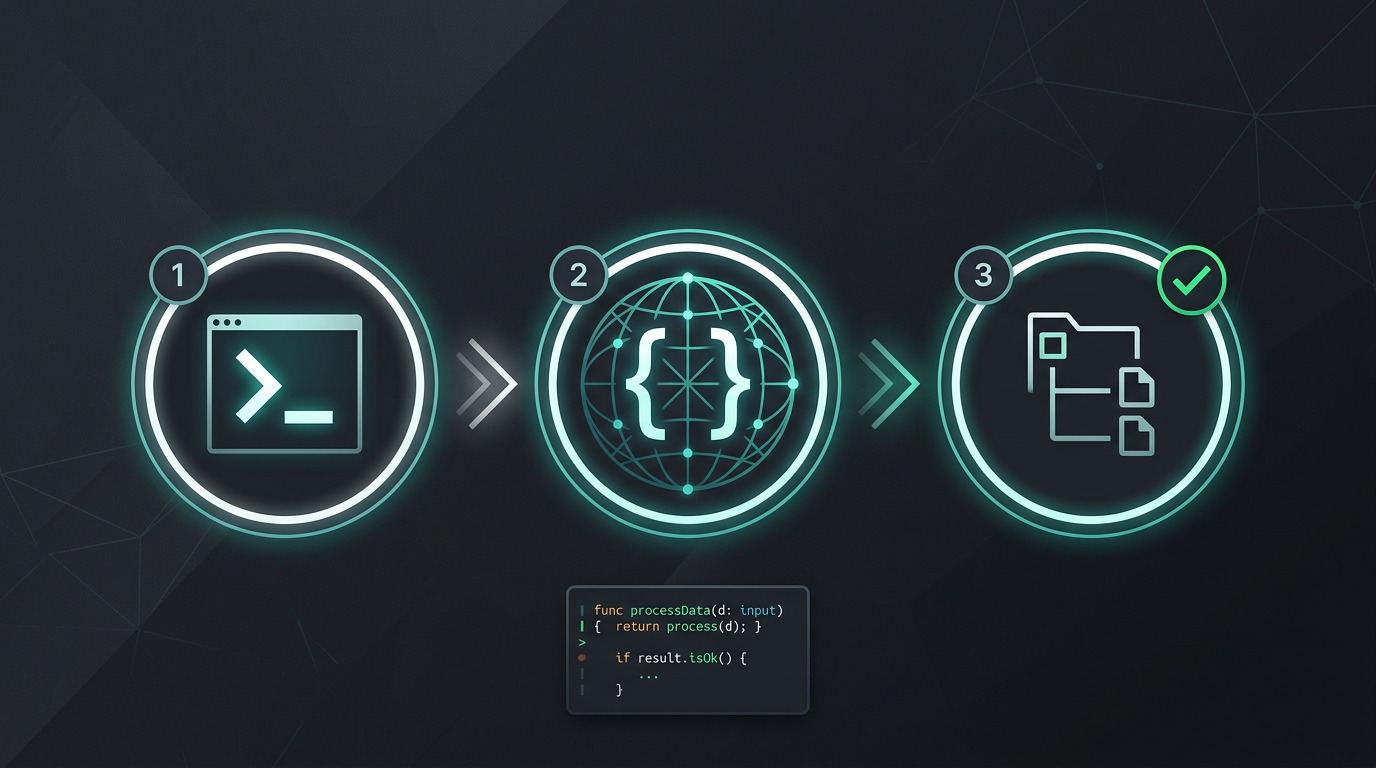
न मैन्युअल कॉपी-पेस्ट। न स्ट्रिंग निकालने की झंझट। बस अनुवादित फ़ाइलें।
i18n Agent अभी आज़माएँ
अपनी अनुवाद फ़ाइल यहाँ छोड़ें
JSON, YAML, PO, XML, CSV, Markdown, Properties
या ब्राउज़ करने के लिए क्लिक करें
लक्षित भाषाएँ
अक्सर पूछे जाने वाले प्रश्न
क्या आप डेवलपर हैं?
CLI टूल इंस्टॉल करें और 2 मिनट में अपनी पहली फ़ाइल का अनुवाद करें।
CLI टूल इंस्टॉल करेंक्या आप एंटरप्राइज़ टीम हैं?
क्या TMS अनुबंध अब भी आपकी राह रोक रहा है? माइग्रेशन के बारे में हमसे बात करें।