
Tõlgi PO-faile mitmusevorme kaotamata
msgid jääb puutumata. Mitmusevormid on igas keeles õiged. Kommentaarid säilivad. Sinu gettexti töövoog, ainult kiirem.
PO-tõlketööriistad eiravad PO eripärasid
PO-failid pole lihtsalt võtme-väärtuse paarid. Neis on keeleti erinevad mitmusevormid, sõnumikontekstid tähenduste eristamiseks, tõlkijate kommentaarid ja lähteviited. Enamik tõlketööriistu käsitleb neid lamedate tekstifailidena.
nplurals-väärtus ja mitmusevalemid erinevad keeleti. Üldised tööriistad kasutavad vale mitmusevormide arvu.
msgctxt-konteksti tähenduste eristamiseks eiratakse või tõlgitakse
Tõlkijate kommentaarid (#.) ja lähteviited (#:) eemaldatakse
Märgikodeeringu päised ja PO-metaandmed rikutakse
#: src/components/Cart.tsx:42
#. Translator: shown when cart is empty
msgid "Your cart is empty"
msgstr ""

#: src/components/Cart.tsx:55
msgid "item"
msgid_plural "items"
msgstr[0] ""
msgstr[1] ""

#: src/components/Auth.tsx:12
msgctxt "button"
msgid "Sign in"
msgstr ""#: src/components/Cart.tsx:42
#. Translator: shown when cart is empty
msgid "Your cart is empty"
msgstr "Tu carrito está vacío"
#: src/components/Cart.tsx:55
msgid "item"
msgid_plural "items"
msgstr[0] "artículo"
msgstr[1] "artículos"
#: src/components/Auth.tsx:12
msgctxt "button"
msgid "Sign in"
msgstr "Iniciar sesión"Mida i18n Agent säilitab
Keelepõhised mitmusevormid
Õige nplurals-väärtus ja mitmusevalem igale sihtkeelele. Mitmusevorme pole vaja käsitsi seadistada.
Sõnumikontekst
msgctxt säilitatakse tähenduste eristamiseks. Inglise bank tõlgitakse õigesti nii jõekalda kui ka finantsasutuse tähenduses.
Kommentaarid ja viited
Tõlkijate kommentaarid (#.), eraldatud kommentaarid (#:) ja lipud (#,) säilivad
PO-metaandmed
Päised (Content-Type, Plural-Forms, charset) seadistatakse sihtkeele jaoks õigesti
Töötab sinu tehnoloogiapinuga
Kuidas see töötab
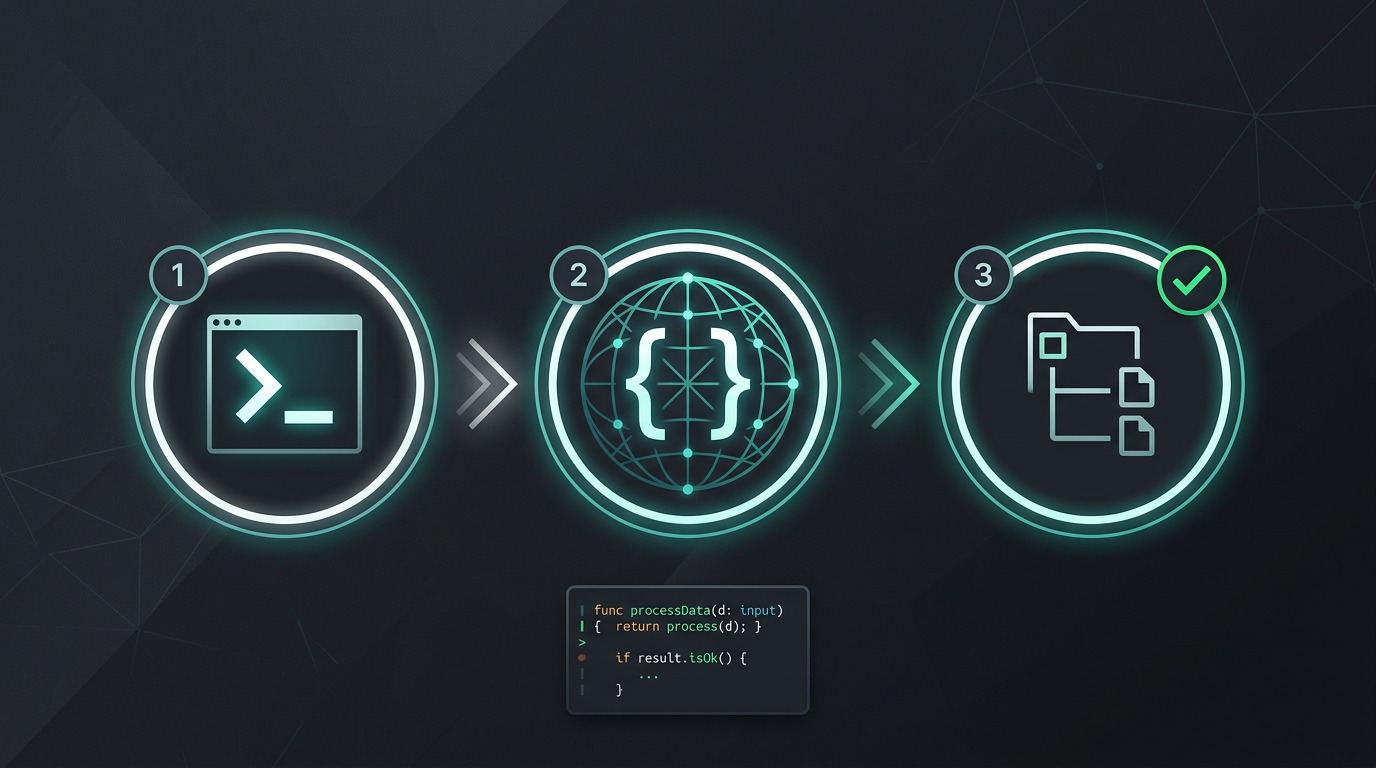
Käsitsi kopeerimist ega stringide eraldamist pole. Ainult tõlgitud failid.
Proovi i18n Agent'i kohe
Kukuta tõlkefail siia
JSON, YAML, PO, XML, CSV, Markdown, Properties
või klõpsa faili valimiseks
Sihtkeeled
Korduma kippuvad küsimused
Ettevõtte meeskond?
Kas oled endiselt TMS-i lepingus kinni? Räägime üleminekust.