
Prevedite Xcode String Catalogs u nekoliko sekundi
Oblici množine ispravni su prema CLDR pravilima. Inačice za uređaje su očuvane. Stanja prijevoda se prate. Vaše .xcstrings datoteke prevode se bez napuštanja IDE okruženja.
Prevođenje String Catalog datoteka varljivo je složeno
Xcode 15 String Catalogs zamijenili su .strings i .stringsdict jednom JSON datotekom, ali složenost nije nestala. Oblicima množine potrebne su ispravne CLDR kategorije za svaki jezik, inačice za uređaje (iPhone, iPad i Mac) moraju ostati uparene sa svojim ključevima, a Xcodeovo praćenje stanja znači da jedno pogrešno polje čini cijelu stavku neispravnom.
Svakom jeziku su potrebne različite CLDR kategorije množine — arapskom svih šest, japanskom samo „other", a ruskom četiri različita oblika
Inačice tekstnih nizova za pojedine uređaje (iPhone, iPad, Mac, Apple Watch) moraju ostati pravilno povezane s nadređenim ključevima
Xcode prati stanja prijevoda (new, needs_review, translated, stale) — pogrešne vrijednosti stanja dovode do toga da Xcode zanemari ili pogrešno označi prijevode
Prelazak sa starih datoteka .strings/.stringsdict na .xcstrings uvodi razlike u formatu koje opći alati ne obrađuju
{
  "sourceLanguage": "en",
  "version": "1.0",
  "strings": {
    "welcome_title": {
      "extractionState": "manual",
      "localizations": {
        "en": {
          "stringUnit": {
            "state": "translated",
            "value": "Welcome to the App"
          }
        }
      }
    },
    "item_count": {
      "localizations": {
        "en": {
          "variations": {
            "plural": {
              "zero": {
                "stringUnit": {
                  "state": "translated",
                  "value": "No items"
                }
              },
              "one": {
                "stringUnit": {
                  "state": "translated",
                  "value": "%lld item"
                }
              },
              "other": {
                "stringUnit": {
                  "state": "translated",
                  "value": "%lld items"
                }
              }
            }
          }
        }
      }
    },
    "device_greeting": {
      "localizations": {
        "en": {
          "variations": {
            "device": {
              "iphone": {
                "stringUnit": {
                  "state": "translated",
                  "value": "Tap to continue"
                }
              },
              "ipad": {
                "stringUnit": {
                  "state": "translated",
                  "value": "Tap or click to continue"
                }
              },
              "mac": {
                "stringUnit": {
                  "state": "translated",
                  "value": "Click to continue"
                }
              }
            }
          }
        }
      }
    }
  }
}{
"sourceLanguage": "en",
"version": "1.0",
"strings": {
"welcome_title": {
"extractionState": "manual",
"localizations": {
"de": {
"stringUnit": {
"state": "translated",
"value": "Willkommen in der App"
}
}
}
},
"item_count": {
"localizations": {
"de": {
"variations": {
"plural": {
"zero": {
"stringUnit": {
"state": "translated",
"value": "Keine Elemente"
}
},
"one": {
"stringUnit": {
"state": "translated",
"value": "%lld Element"
}
},
"other": {
"stringUnit": {
"state": "translated",
"value": "%lld Elemente"
}
}
}
}
}
}
},
"device_greeting": {
"localizations": {
"de": {
"variations": {
"device": {
"iphone": {
"stringUnit": {
"state": "translated",
"value": "Tippen zum Fortfahren"
}
},
"ipad": {
"stringUnit": {
"state": "translated",
"value": "Tippen oder klicken zum Fortfahren"
}
},
"mac": {
"stringUnit": {
"state": "translated",
"value": "Klicken zum Fortfahren"
}
}
}
}
}
}
}
}
}Što i18n Agent čuva
Oblici množine
Ispravne CLDR kategorije množine generiraju se za svaki ciljni jezik — od japanskog s jednom kategorijom do arapskog sa šest kategorija
Inačice za uređaje
Inačice tekstnih nizova za iPhone, iPad, Mac i Apple Watch ostaju pravilno povezane s nadređenim ključevima
Razumijevanje stanja
Stanja prijevoda (new, needs_review, translated) pravilno se postavljaju kako bi Xcode tok lokalizacije ispravno radio
Kompatibilnost formata
Izlaz je potpuno kompatibilan s Xcodeovim uređivačem String Catalog datoteka i bez problema se integrira s novim i migriranim projektima
Radi u cijelom Apple razvojnom okruženju
Kako radi
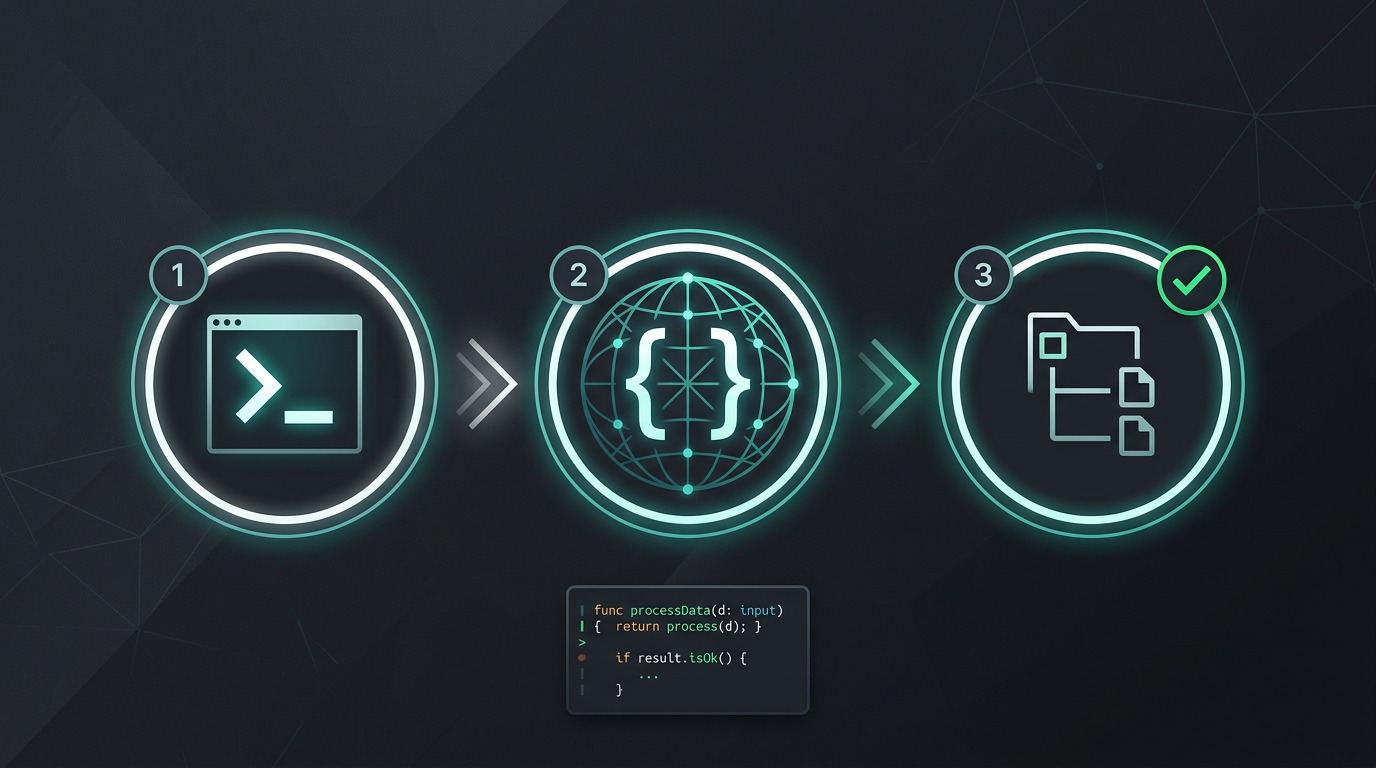
Bez ručnog kopiranja i lijepljenja. Bez izdvajanja tekstnih nizova. Samo prevedene datoteke.
Isprobajte i18n Agent odmah
Povucite datoteku za prijevod ovdje
JSON, YAML, PO, XML, CSV, Markdown, Properties
ili kliknite za odabir
Ciljni jezici
Česta pitanja
Programer ste?
Instalirajte CLI alat i prevedite svoju prvu datoteku u 2 minute.
Instalirajte CLI alatPoslovni tim?
Još ste vezani ugovorom za TMS? Razgovarajmo o prelasku.