
Išverskite .properties failus be koduotės rūpesčių
Koduotė apdorota. Kaitos sekos išsaugotos. Komentarai nepakitę. Unicode kaitos sekos tinkamos. Jūsų properties failai išversti be ISO-8859-1 keliamų rūpesčių.
.properties vertimas – koduotės košmaras
Java .properties failai turi 30 metų koduotės keistenybių palikimą. Numatytoji koduotė yra ISO-8859-1, ne lotyniškiems simboliams reikia Unicode kaitos sekų (\uXXXX), o bendrieji vertimo įrankiai nesusitvarko su pasvirųjų brūkšnių, naujų eilučių ir specialiųjų simbolių kaitos taisyklėmis.
Dėl ISO-8859-1 ir UTF-8 koduočių neatitikties sugadinami ne lotyniški simboliai – japonų, kinų ir korėjiečių tekstas tampa neįskaitomas
Pasvirojo brūkšnio kaitos sekos (\n, \t, \\, \=) pakeičiamos dvigubomis, pašalinamos arba palaikomos paprastu tekstu
Komentarų eilutės (# ir !) bei eilutėje esantys komentarai pašalinami, todėl prarandamas kūrėjams skirtas kontekstas ir dalių struktūra
Ne lotyniškų simbolių Unicode kaitos sekos (\uXXXX) sugadinamos, išverčiamos arba netinkamai konvertuojamos
# Application messages
# Generated by Spring Boot i18n

app.title=My Application
app.description=A powerful tool for your team

# Navigation
nav.home=Home
nav.settings=Settings
nav.logout=Log Out

# User messages
user.greeting=Hello, {0}!
user.welcome=Welcome back, {0}. You have {1} new notifications.

# Special characters and unicode
currency.format=${0,number,#,##0.00}
path.separator=C:\\Users\\Documents
special.chars=Line one\nLine two\nLine three
unicode.example=\u00E9\u00E8\u00EA# Application messages
# Generated by Spring Boot i18n
app.title=Meine Anwendung
app.description=Ein leistungsstarkes Werkzeug f\u00FCr Ihr Team
# Navigation
nav.home=Startseite
nav.settings=Einstellungen
nav.logout=Abmelden
# User messages
user.greeting=Hallo, {0}!
user.welcome=Willkommen zur\u00FCck, {0}. Sie haben {1} neue Benachrichtigungen.
# Special characters and unicode
currency.format=${0,number,#,##0.00}
path.separator=C:\\Users\\Dokumente
special.chars=Zeile eins\nZeile zwei\nZeile drei
unicode.example=\u00E9\u00E8\u00EAKą išsaugo i18n Agent
Koduotės apdorojimas
Aptinka ISO-8859-1 arba UTF-8 koduotę ir pateikia tinkamą formatą, prireikus naudodamas tinkamas Unicode kaitos sekas
Kaitos sekų išsaugojimas
Pasvirojo brūkšnio kaitos sekos (\n, \t, \\, \=, \:) atpažįstamos ir išsaugomos tiksliai taip, kaip apibrėžta
Komentarų išlaikymas
Komentarų eilutės, dalių antraštės ir eilutėje esanti dokumentacija paliekamos savo vietose, kad būtų išsaugota failo struktūra
Unicode palaikymas
Ne lotyniški vertimai tinkamai koduojami kaip \uXXXX kaitos sekos ISO-8859-1 failuose arba kaip savieji UTF-8 simboliai
Veikia su jūsų Java technologijomis
Kaip tai veikia
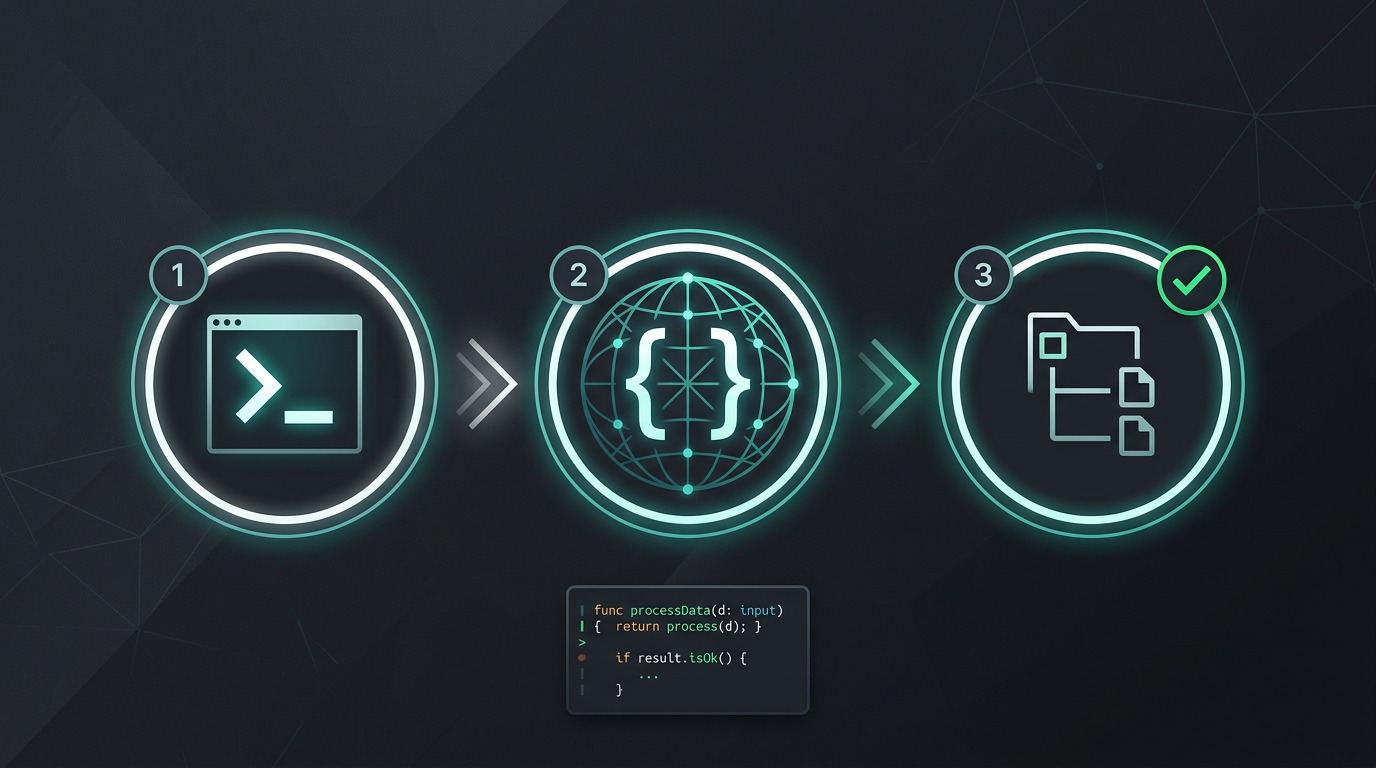
Jokio rankinio kopijavimo. Jokio eilučių išskyrimo. Tik išversti failai.
Išbandykite i18n Agent dabar
Nuvilkite vertimo failą čia
JSON, YAML, PO, XML, CSV, Markdown, Properties
arba spustelėkite norėdami pasirinkti
Tikslinės kalbos
Dažnai užduodami klausimai
Įmonės komanda?
Vis dar esate įstrigę TMS sutartyje? Aptarkime perkėlimą.