
JSON-Dateien in Sekundenschnelle übersetzen
Schlüssel bleiben unverändert. Verschachtelungen bleiben erhalten. Interpolationsvariablen werden nicht verändert. Nur der Inhalt Ihrer Strings wird übersetzt.
Manuelle JSON-Übersetzung ist ein Minenfeld
Sie kennen den Ablauf: JSON-Sprachdatei exportieren, in einer Tabellenkalkulation oder einem Übersetzungswerkzeug öffnen, verschachtelte Schlüssel möglichst nicht beschädigen, Variablen unangetastet lassen, wieder importieren, die beschädigte Struktur reparieren – und für jede Sprache von vorn beginnen.
Allgemeine Übersetzungswerkzeuge reduzieren oder beschädigen verschachtelte Schlüssel
Allgemeine Werkzeuge übersetzen oder beschädigen Interpolationsvariablen
ICU-Pluralregeln brechen unbemerkt, wenn Werkzeuge die MessageFormat-Syntax nicht verstehen
Array-Indizes verschieben sich, die Schlüsselreihenfolge ändert sich und die Formatierung geht verloren
{
  "welcome": "Welcome, {name}!",
  "items": {
    "count": "{count, plural, one {# item} other {# items}}",
    "empty": "Your cart is empty"
  },
  "nav": {
    "home": "Home",
    "settings": "Settings"
  }
}{
"welcome": "Willkommen, {name}!",
"items": {
"count": "{count, plural, one {# Artikel} other {# Artikel}}",
"empty": "Ihr Warenkorb ist leer"
},
"nav": {
"home": "Startseite",
"settings": "Einstellungen"
}
}Was i18n Agent unverändert erhält
Schlüsselstruktur
Verschachtelte Schlüssel, Punktnotation und Array-Indizes bleiben exakt an ihrer Position
Interpolationsvariablen
Variablen wie die Platzhalter name, count und price werden in allen wichtigen i18n-Frameworks erkannt und nicht verändert
ICU-Pluralregeln
Plural-Kategorien werden korrekt übersetzt, während die ICU-MessageFormat-Struktur unverändert bleibt
Formatierung und Leerraum
Einrückung, Schlüsselreihenfolge und JSON-Formatierung entsprechen Ihrer Quelldatei
Kompatibel mit Ihrem i18n-Framework
So funktioniert es
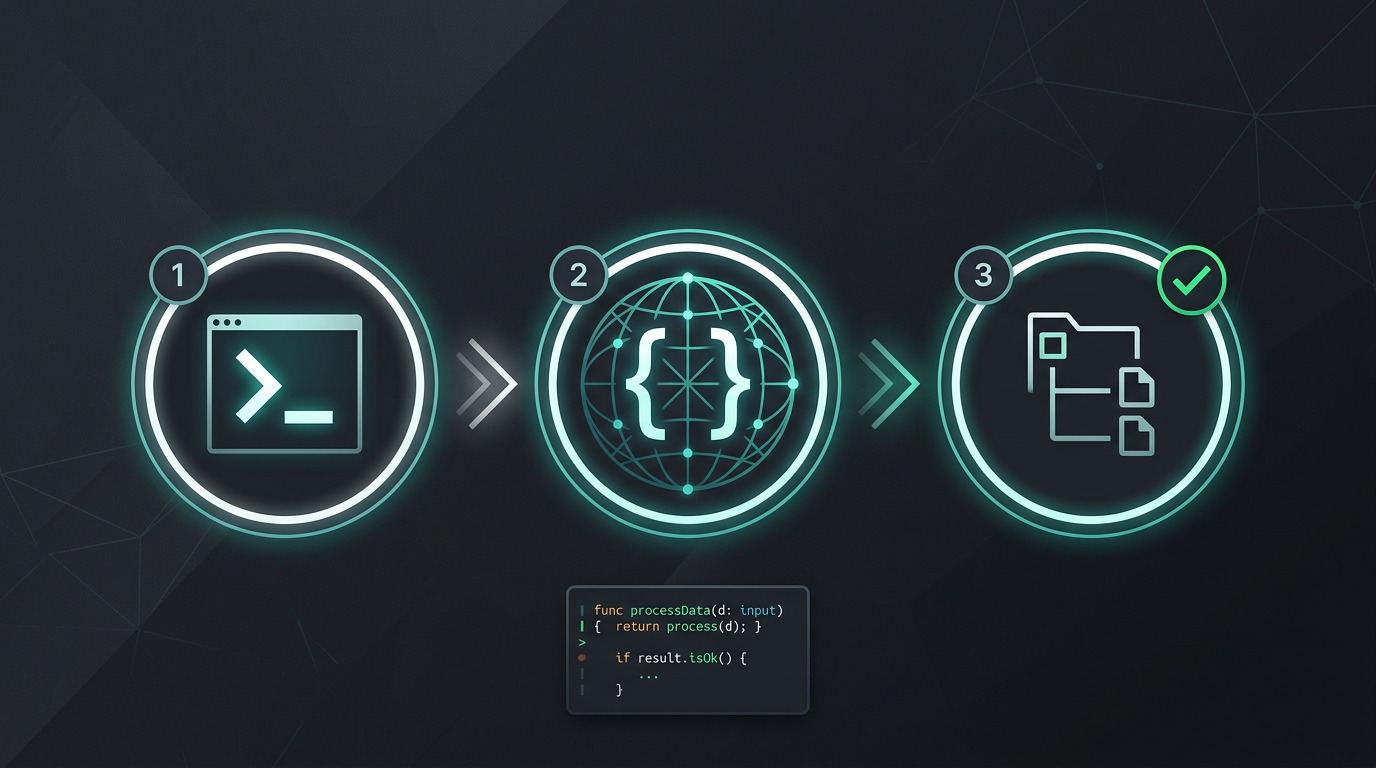
Kein manuelles Kopieren und Einfügen. Keine String-Extraktion. Nur übersetzte Dateien.
i18n Agent jetzt testen
Legen Sie Ihre Übersetzungsdatei hier ab
JSON, YAML, PO, XML, CSV, Markdown, Properties
oder zum Auswählen klicken
Zielsprachen
Häufig gestellte Fragen
Entwickler?
Installieren Sie das CLI-Werkzeug und übersetzen Sie Ihre erste Datei in 2 Minuten.
CLI-Werkzeug installierenUnternehmensteam?
Noch an einen TMS-Vertrag gebunden? Sprechen wir über den Wechsel.